A Beginner’s Guide to Getting Into VR Gaming
8 April 2026
So, you've heard the hype about VR gaming—you’ve seen your friends flailing around with headsets, ducking imaginary bullets, or slicing cubes to beats like futuristic ninjas—and now you're curious. Totally understandable. Virtual Reality (VR) gaming is more than a trend; it's a revolution in how we experience games. But let’s get real—stepping into VR can feel a bit overwhelming at first.
Don’t worry, though. Whether you’re a hardcore gamer or someone dipping their toes into gaming for the first time, this guide's got your back. I’ll walk you through all the basics of getting into VR gaming, step-by-step, with zero jargon and all the info you actually need.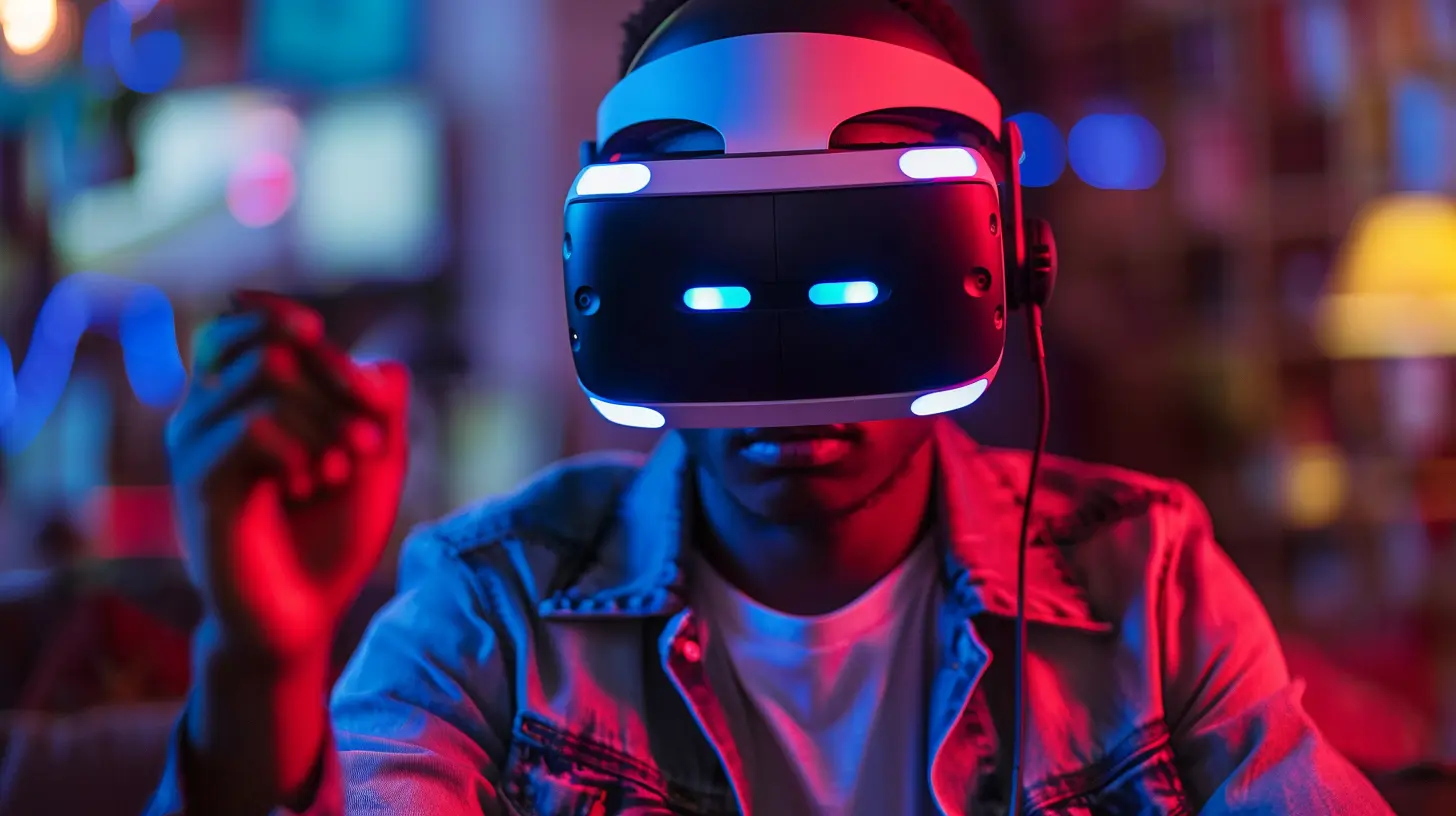
What Is VR Gaming, Anyway?
Let’s start at the beginning. VR gaming is exactly what it sounds like: playing video games with a virtual reality headset that immerses you into a 3D digital world. Instead of controlling a character with a mouse, keyboard, or controller, you're inside the game. You move your head, your body, even your hands—and your character does the same.Imagine being inside your favorite video game, where instead of watching the action, you’re living it. That’s VR.
Why the Buzz Around VR Gaming?
Good question. VR gaming isn't just another way to play. It changes the entire gaming experience. Want reasons to get excited? Here's a few:- Immersion: You don’t just play a game—you are in it.
- Physical Interaction: Get your blood pumping with movement-based gameplay.
- Social VR: Hang out with friends in virtual worlds like never before.
- Unique Gameplay: From rhythm games to puzzle adventures, VR unlocks new genres.
Still skeptical? Think of it like this—VR is to regular gaming what 3D movies were to black and white cinema. It's that level of game-changer.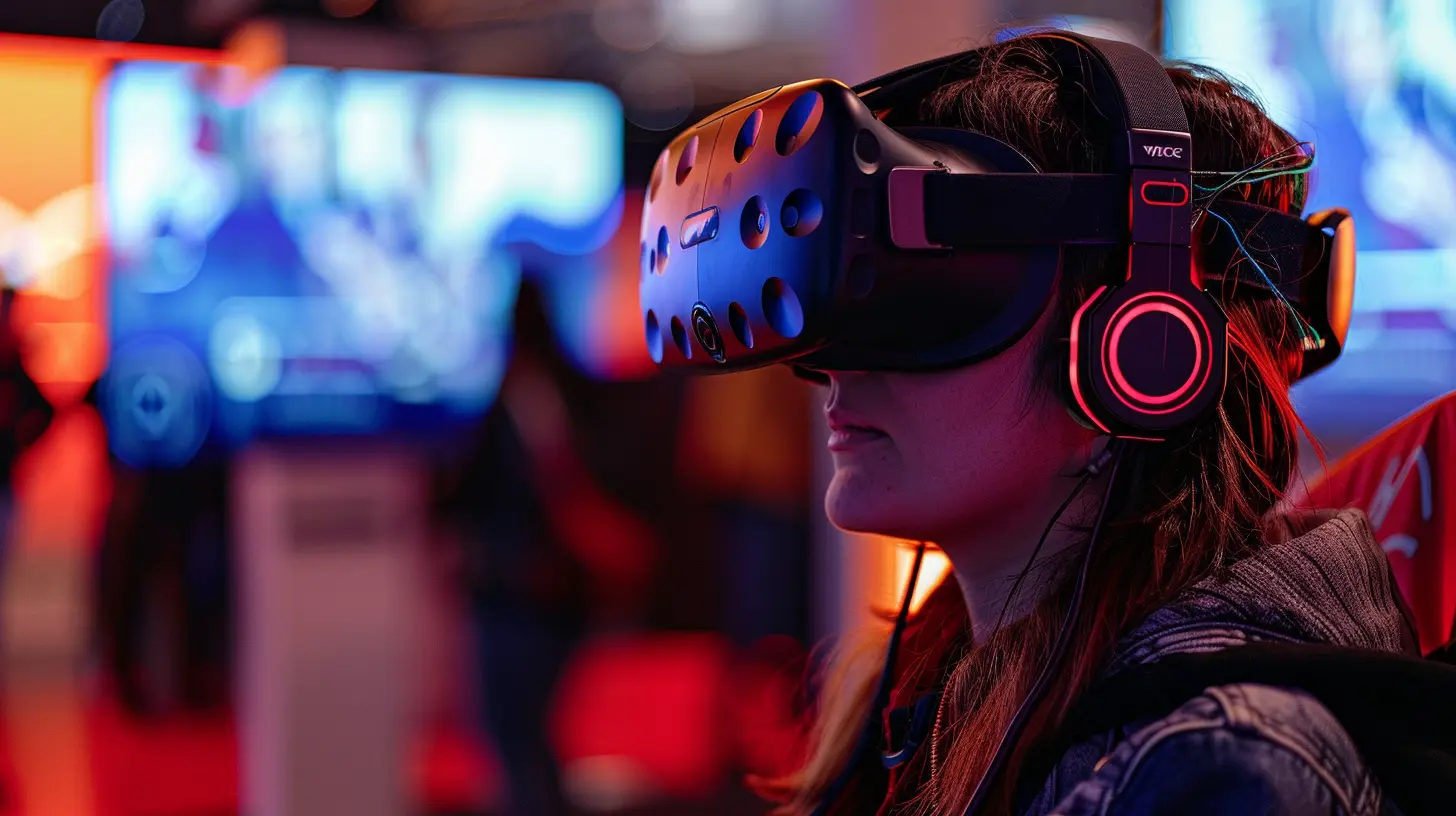
What You Need to Start Playing VR Games
Okay, let’s break it down. Here’s what you actually need to get into VR gaming:1. A VR Headset
This is your entry ticket into the world of VR. You’ve got several options here, and which one you choose depends on your budget, gaming goals, and even your living space.🧠 Standalone Headsets (No PC Required)
These are perfect for beginners. They're affordable, portable, and super easy to use. The most popular one right now? The Meta Quest 2 (formerly Oculus Quest 2). No wires, no fuss—just games.Pros:
- Affordable
- Easy setup
- Portable
Cons:
- Less graphical power
- Smaller game library (though growing fast)
🖥️ PC VR Headsets (Tethered)
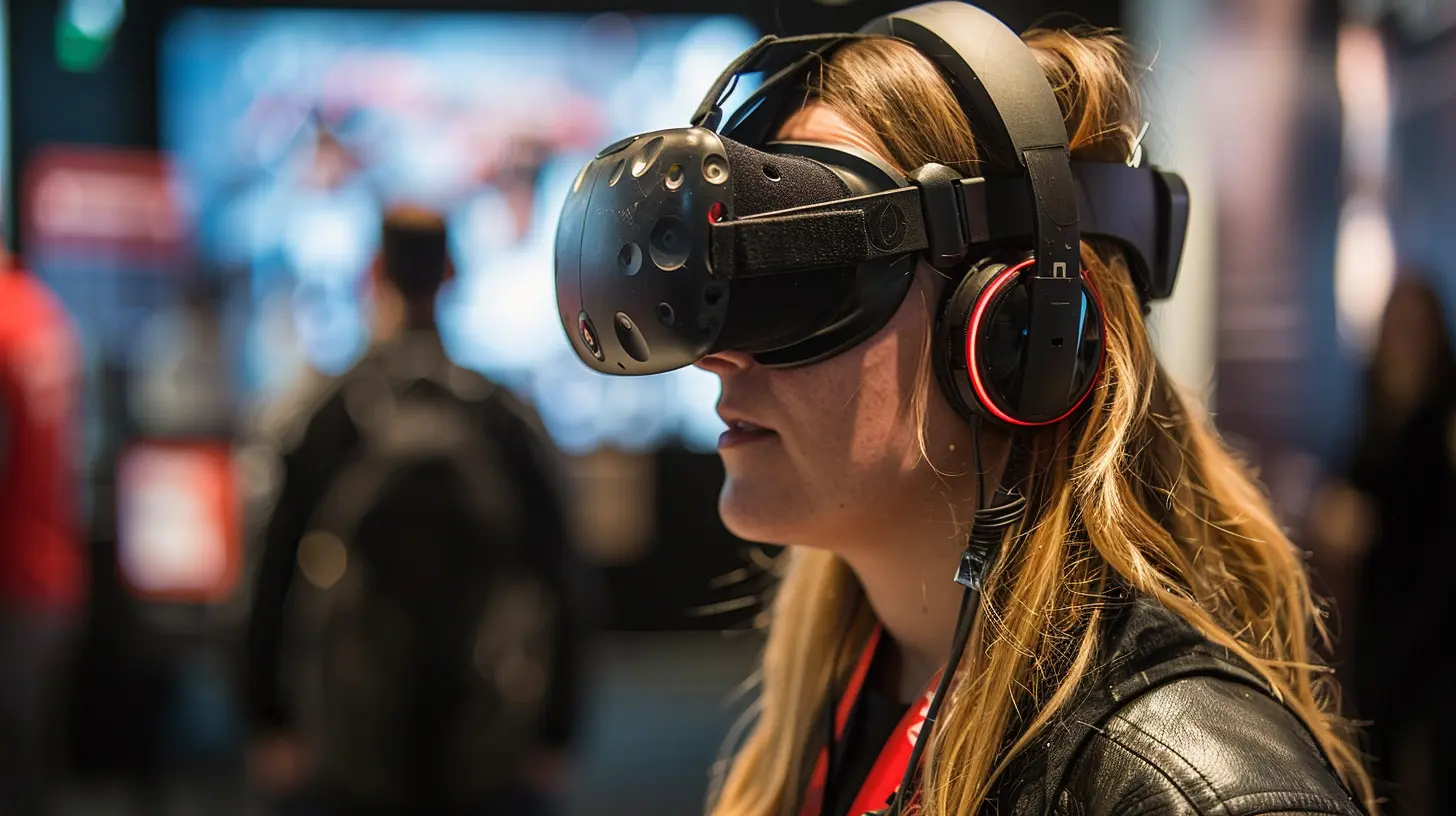
If you’ve already got a powerful PC and want top-tier graphics and gameplay, go with a PC-based headset like the Valve Index, HTC Vive, or Meta Quest 2 in PC mode.Pros:
- Amazing graphics
- Huge game library (think SteamVR)
Cons:
- Expensive
- Requires a solid gaming PC
- Tethered with wires
🕹️ Console VR
Own a PlayStation? PSVR or the newer PSVR2 is a solid option, especially if you’re already in the Sony ecosystem.Pros:
- Great games
- Optimized for PlayStation
Cons:
- Less flexible than PC VR
- Still requires cables and a console
2. Space to Move
You don’t need a mansion, but you do need a bit of room. Think at least 6.5 x 6.5 feet (2m x 2m) of clear space. Clear the coffee table, move the couch, and say goodbye to stubbed toes.3. Games and Apps
Once your headset’s set up, it’s time to explore some killer titles. More on that in a bit.4. Optional Gear
- VR-Ready PC: If you're choosing PC VR.- Extra Accessories: Gun controllers, haptic vests, etc. Totally optional but cool if you’re into tech toys.
Setting Up Your VR Headset
Now that you’ve got your gear, let’s get it running. Setup isn’t hard, but it can be a little finicky depending on the headset.Here’s a general checklist:
1. Charge your headset and controllers.
2. Download the companion app (usually on your phone).
3. Pair your headset via Bluetooth or Wi-Fi.
4. Set your play area using the built-in guardian system.
5. Update firmware (make coffee while it loads).
6. Create an account or log in to your gaming platform.
Boom. You’re in.
Recommended VR Games for Beginners
So what should you play first? Great question. Here are some beginner-friendly games that are a blast and won’t make you vomit (yes, motion sickness is a thing—we’ll talk about that next).🥊 Beat Saber
Think Guitar Hero meets Fruit Ninja—set to EDM. Slice blocks in rhythm using lightsabers. Simple, fun, addictive.🎯 Superhot VR
Move only when you move. Feel like Neo from The Matrix dodging bullets in slow motion.💀 The Walking Dead: Saints & Sinners
Explore a zombie-infested New Orleans. Great story, intense but manageable, and full of action.🧩 Job Simulator
Hilarious and easy to play. Experience “work” like never before: send donuts flying, throw staplers, and mess with robots.🚀 Star Wars: Tales from the Galaxy’s Edge
Because who hasn’t dreamed of being in the Star Wars universe?VR Motion Sickness: What to Expect & How to Handle It
Let’s talk about the elephant in the virtual room: motion sickness.Some people feel dizzy or nauseous when their character moves but their bodies don’t. It’s like your brain thinks you’re moving, but your body says otherwise. Yeah, it’s weird.
But don’t stress. Most people adjust after a few sessions. Here’s how to ease into it:
- Start Slow: Play standing or stationary games first (like Beat Saber).
- Take Breaks: 10–15 minutes is a good starting session.
- Use Comfort Settings: Many games offer “comfort modes” with restricted movement or teleportation.
- Stay Cool: Literally. Keep a fan on you—it helps!
If all else fails, ginger chews and motion-sickness wristbands are solid backups.
Staying Safe in VR
VR is intense. You’re swinging, ducking, jumping—and you’re blind to the real world while doing it. So, let’s talk basic safety:- Clear Your Space: Objects, pets, furniture—move it all.
- Use Wrist Straps: Seriously, don’t punch your TV. Or worse, someone’s face.
- Limit Playtime: Your eyes and brain need breaks.
- Stay Aware: Most headsets have a “passthrough” mode. Get familiar with it.
Social VR: Meet, Play, and Laugh
Gaming doesn’t have to be a solo thing. In fact, social VR is one of its coolest aspects. You can hang out, watch movies, attend concerts, or just goof off with people across the world—like digital hangouts.Popular social VR apps:
- VRChat: Wild, chaotic fun.
- Rec Room: Casual games with friends.
- AltspaceVR: More structured events and meetups.
- Bigscreen: Watch movies together in virtual theaters.
Warning: It’s easy to lose track of time when you’re having fun in social VR. Set a timer if needed!
Tips for Picking Your First VR Headset
So if you’re still on the fence about which headset to buy, here’s a quick cheat sheet:| Your Priority | Best Option |
|--------------------|--------------------|
| Budget-Friendly | Meta Quest 2 |
| High-End PC Gaming | Valve Index |
| Console Experience | PlayStation VR2 |
| Portability | Meta Quest 2 |
| Best Graphics | PC VR Headsets |
Prices vary—expect to spend anywhere from $300 to $1,200 for headset and accessories combined.
Is VR Gaming Worth It?
Honestly? Yes—if you’re into innovative experiences, new ways to play, and stepping beyond the screen. VR isn’t just the future of gaming—it’s happening now. With more games, better hardware, and growing social experiences, there’s never been a better time to jump in.It’s like trying sushi for the first time. You might be unsure at first, but once you get a taste—you’ll wonder how you lived without it.
Final Thoughts
Getting into VR gaming might feel like stepping into another dimension—and that’s because it literally is. But don’t let the tech talk or options scare you off. Start small, choose a headset that fits your needs, and explore the wide world of immersive games out there.Before you know it, you’ll be slicing beats, exploring alien worlds, or chilling with friends in digital cafes—all from your living room.
So go ahead. Strap in, power up, and welcome to the new reality.
all images in this post were generated using AI tools
Category:
Virtual Reality GamesAuthor:

Lucy Ross
Discussion
rate this article
2 comments
Evangeline McEvoy
This guide offers an excellent overview for newcomers to VR gaming, highlighting key concepts and equipment. It effectively balances technical details with practical advice, ensuring that both casual gamers and enthusiastic beginners can navigate the immersive world of virtual reality.
April 18, 2026 at 4:41 AM
Cerys Harper
What's the best headset for newcomers? Excited to dive into VR!
April 15, 2026 at 3:18 AM
Lucy Ross
The Meta Quest 2 is often recommended for newcomers due to its affordability, ease of use, and wireless capabilities. Enjoy your VR journey!