Behind the Scenes of a Pro Gaming YouTuber's Setup
4 August 2026
Ever wondered what sorcery lies behind those hyper-polished, adrenaline-pumping gaming videos of your favorite YouTuber? Those smooth transitions, buttery gameplay footage, and crisp commentary didn’t just happen by accident. Nope. There’s an entire universe of gadgets, gear, and sheer creative hustle packed behind that screen. Today, we're peeling back the curtain and stepping inside the sacred space where pro gaming content is born.
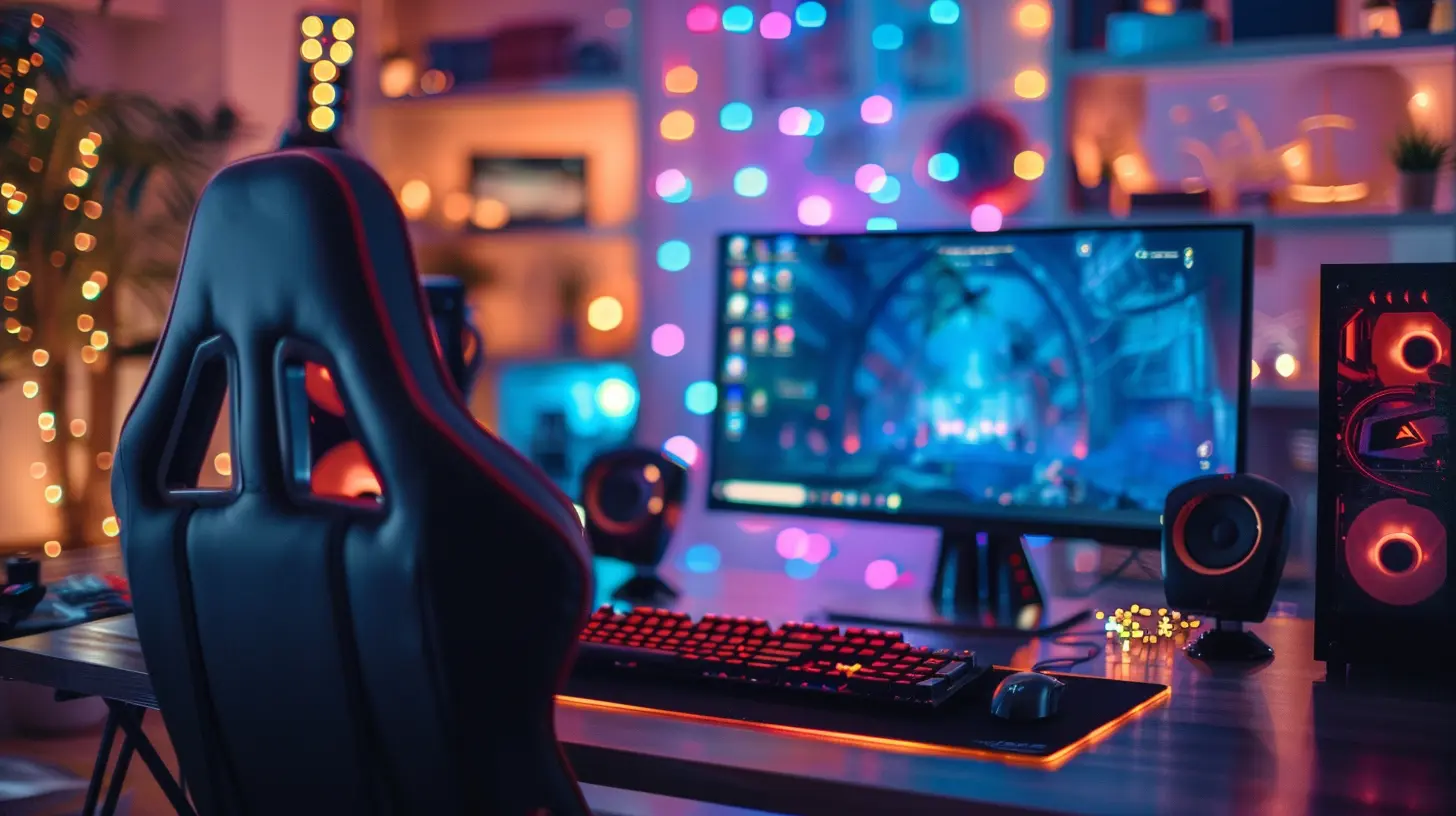
Welcome to Gamer HQ — The Heartbeat of the Channel
There’s something almost magical about a gaming YouTuber's setup. It's not just a desk with a screen or two. It’s a digital forge, a command center, a playground, and a war room — all rolled into one. When you see those stunning 4K streams and flawless reaction videos, you're witnessing hours of planning and tech wizardry. But let’s start at the foundation.The Beast Behind the Monitor — The Gaming PC
No YouTuber worth their subscriber count is running their empire off a dusty old laptop. At the core of every pro setup is a custom-built gaming rig, humming like a beast preparing for battle.- CPU (The Brain): Think Intel Core i9 or AMD Ryzen 9 — we're talking processing power that's capable of juggling high-end games, recording, streaming, and multitasking without breaking a sweat.
- GPU (The Muscle): NVIDIA RTX 4090 or AMD Radeon RX 7900 XTX. You need frame-perfect gameplay and lifelike visuals, especially when every pixel counts.
- RAM (The Memory): 32GB is the sweet spot. Why? Because streaming, recording, running mods, and editing video isn't light work.
- Cooling System (The Lifeline): Whether it’s liquid cooling or multiple fans, keeping this monster ice-cold is non-negotiable.
These rigs are built not just to play games—but to dominate them while capturing footage at cinematic quality.
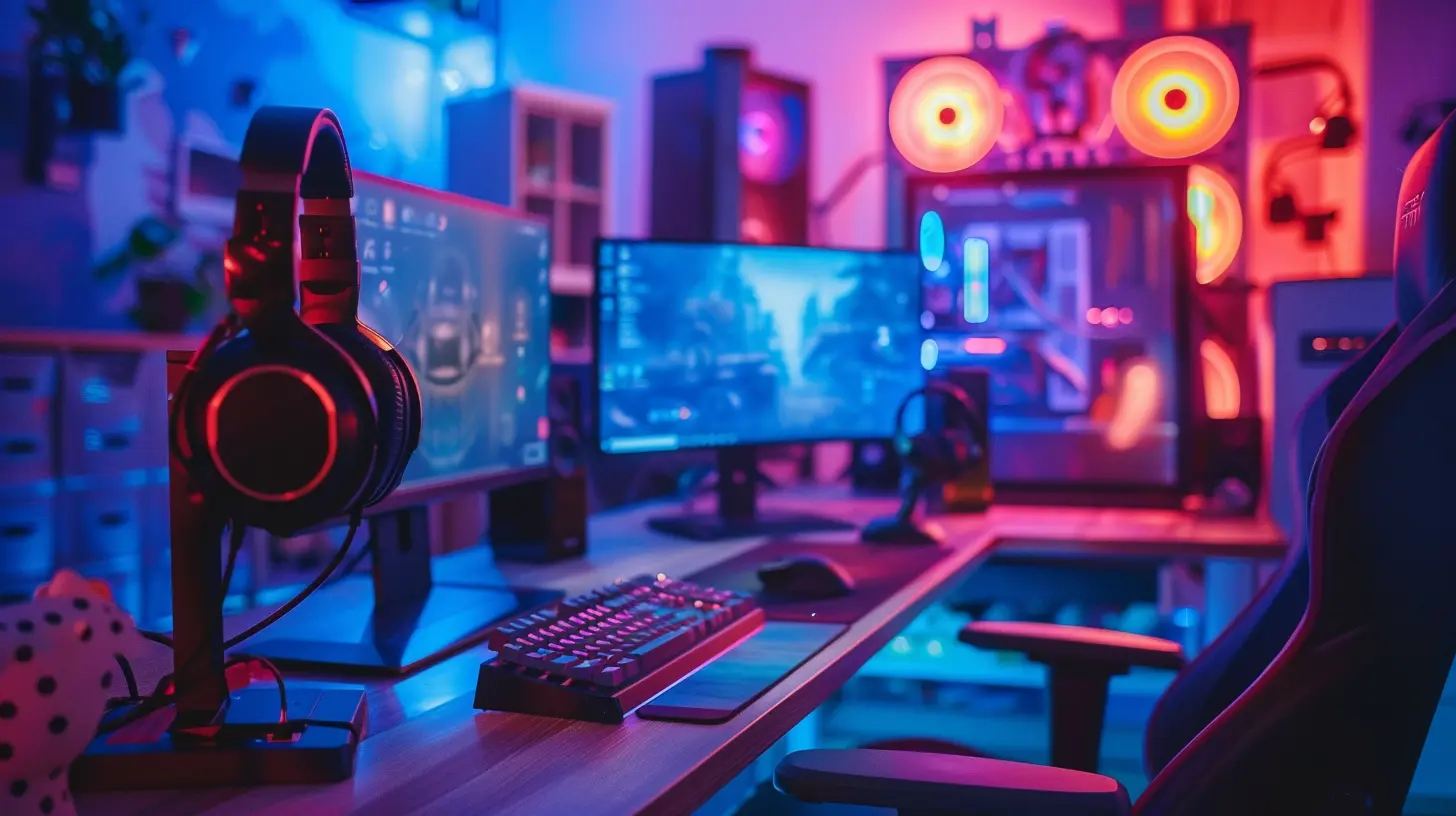
The Display Game — More Than Just Pretty Pixels
Monitors don't just show you the game. They shape how you experience it. For pro YouTubers, it's all about high-refresh-rate displays. Think 144Hz, 240Hz, and even 360Hz monitors for competitive edge.But here’s the twist — many setups include:
- Dual or Triple Monitors: One for gaming, one for chat, and one for video editing or stream tools. Like having three windows into different realities.
- Color Accuracy: When editing, color grading is key. A wide color gamut monitor helps ensure your visuals pop just right on YouTube.
Ever seen a pilot’s cockpit? That’s basically what these setups look like—except instead of flying planes, they fly through dungeons and digital worlds.

Soundscapes and Sonic Precision — Audio Setup That Hits Hard
Crystal-clear audio can turn a good video into an unforgettable one. And pro YouTubers aren’t messing around with tinny laptop speakers.Microphones That Whisper Sweet Nothings
- XLR Microphones: Premium quality. We're talking Shure SM7B level. That radio-butter voice you hear? It’s not magic. It’s this mic.- Audio Interfaces: They convert that silky mic signal into crisp digital sound. Brands like Focusrite and GoXLR are go-to favorites.
- Pop Filters & Boom Arms: No harsh "p" sounds, no desk clutter. Just clean, warm voiceovers that hit like lo-fi beats to relax to.
Headphones Built for Immersion
Forget AirPods. Pros use over-ear headphones with lush soundstages. Think ATH-M50x or Sennheiser HD 660S. These bad boys are built to catch every virtual footstep and bullet ricochet.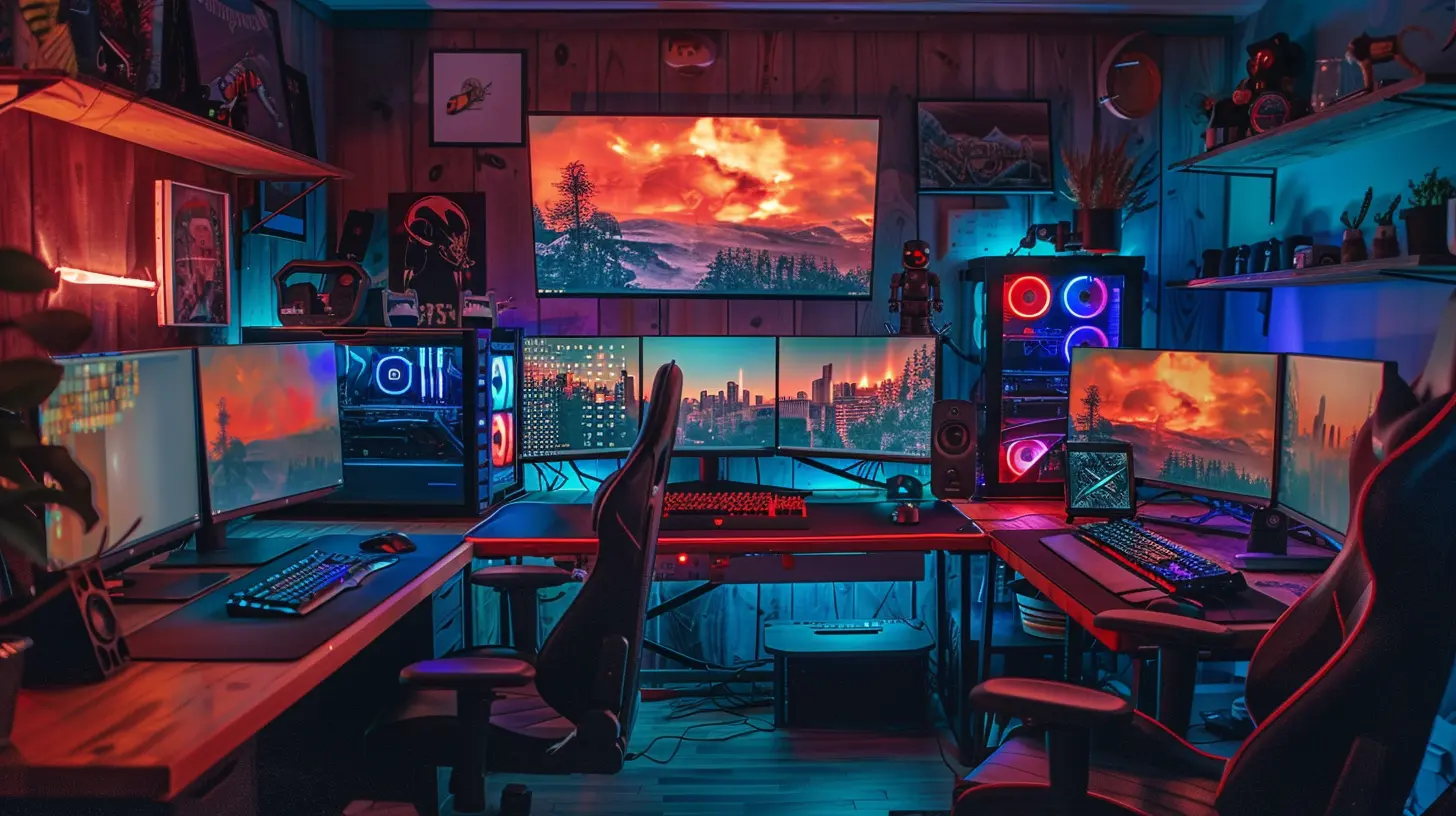
Lights, Camera, Action — Studio-Quality Video Gear
Lighting is everything. A good camera without lighting is like a knight without armor — impressive, but vulnerable.Let There Be Light
- Ring Lights & Softboxes: These make skin tones look natural and eyes sparkle. Ever noticed that perfect glow on your favorite YouTuber? Yeah, thank the lighting gods.- RGB Lighting: Adds personality and pop. Plus, those color schemes? Totally on-brand.
- Key Lights: For pro-level shadow control and depth.
Smile for the Camera
- DSLRs & Mirrorless Cameras: Sony ZV-E10, Canon M50, or even high-end webcams like the Elgato Facecam. These hold the power to turn a bedroom wall into a Hollywood backdrop.- Capture Cards: Like the Elgato Cam Link 4K. They bridge your camera and the PC, delivering pro footage in real-time.
Together, this gear doesn’t just record — it transforms your room into a set. You’re not just a gamer. You’re a performer.
The Throne of Legend — The Gaming Chair & Desk Setup
You think you'd last 12-hour streaming sessions on a kitchen stool? Nope. A premium gaming chair isn’t about flex—it’s about survival.- Ergonomic Design: Lumbar support, adjustable armrests, memory foam cushions. Your spine will thank you.
- Standing Desks (or Sit-Stand Combos): For those long editing marathons. Move your body, save your back.
And the desk? Cable management. Desk pads. Monitor risers. The works. A clean workspace equals a clean mind. And in gaming, clarity is king.
Tools of the Trade — Keyboards, Mice & Accessories
These might be extras for casual players, but for content creators, they’re the instruments of battle.- Mechanical Keyboards: Tactile switches, customizable RGB, macro keys. Your keyboard should feel like an extension of your fingers.
- Gaming Mice: Precision. Speed. DPI control. Whether it's a Razer Viper, Logitech G Pro X Superlight, or Glorious Model O — it’s all about control.
- Stream Decks: Elgato Stream Decks are like custom spellbooks. One button can change a scene, trigger a soundbite, or start a meme.
Imagine being a DJ for your own live show—that’s the level of control these creators wield.
Editing Bay — Where Raw Footage Becomes Art
Recording is just half the hustle. Once the gameplay’s wrapped, it’s time to edit. This is where skill meets style.Software Arsenal
- Adobe Premiere Pro / Final Cut Pro: The big guns for video editing.- DaVinci Resolve: For those serious about color grading.
- Audacity / Adobe Audition: Audio tweaks and noise reduction.
The Creative Flow
Footage is sliced, memes inserted, background music layered in. It's a dance of pixels and beats, a symphony built frame by frame. And yes, sometimes they spend 10 minutes syncing a single joke with a bass drop. That’s dedication.
The Art of Streaming — Going LIVE with Style
When it’s time to go live, the setup goes into beast mode. OBS or Streamlabs manages multiple scenes, alerts, overlays, and transitions.- Custom Overlays: Branded visuals that match the channel’s vibe.
- Chat Boxes & Notifications: Integrated in real-time with Twitch or YouTube.
- Green Screens: For full immersion. One second you’re in your bedroom, the next — inside Elden Ring.
Streaming is theater. And every detail, from the donation alert sound to the layout of the webcam frame, adds to the viewer’s experience.
Behind Every Click is a Creator
Let’s not forget the human behind the hardware. The late nights. The constant upgrades. The trial and error. The lost footage. The imposter syndrome. The fan comments that light up a Monday morning.Being a pro YouTuber isn’t just about having expensive gear — it’s about heart, hustle, and a mind that never stops plotting the next big idea.
Final Thoughts — More Than Just a Setup
So, what have we uncovered behind the scenes of a pro gaming YouTuber’s setup? It’s not just RGB lights and pricey equipment. It’s a blend of creativity, commitment, and craft. Every piece of gear has a role. Every tool is chosen with purpose. It’s equal parts science and soul.Next time you watch a slick montage or an epic Let's Play, just remember—you’re not just watching someone play. You’re witnessing an artist at work, crafting content with the precision of a blacksmith and the vision of a filmmaker.
Who knew gaming could be so poetic?
all images in this post were generated using AI tools
Category:
Youtube GamingAuthor:

Lucy Ross