CPU vs GPU: Which Matters More for Gaming?
17 March 2026
When it comes to gaming, one of the most debated topics among gamers is whether the CPU or GPU matters more. If you've ever started building a gaming PC or even just looked into gaming laptops, you've probably encountered this dilemma. It’s like trying to decide whether the heart or the brain is more important—you kind of need both, right? Well, gaming hardware isn’t too different. But here’s where it gets tricky: their roles in gaming are not equal.
So which one should you prioritize, the CPU or GPU? Let’s break it down in plain English so you can make the best choice for your rig.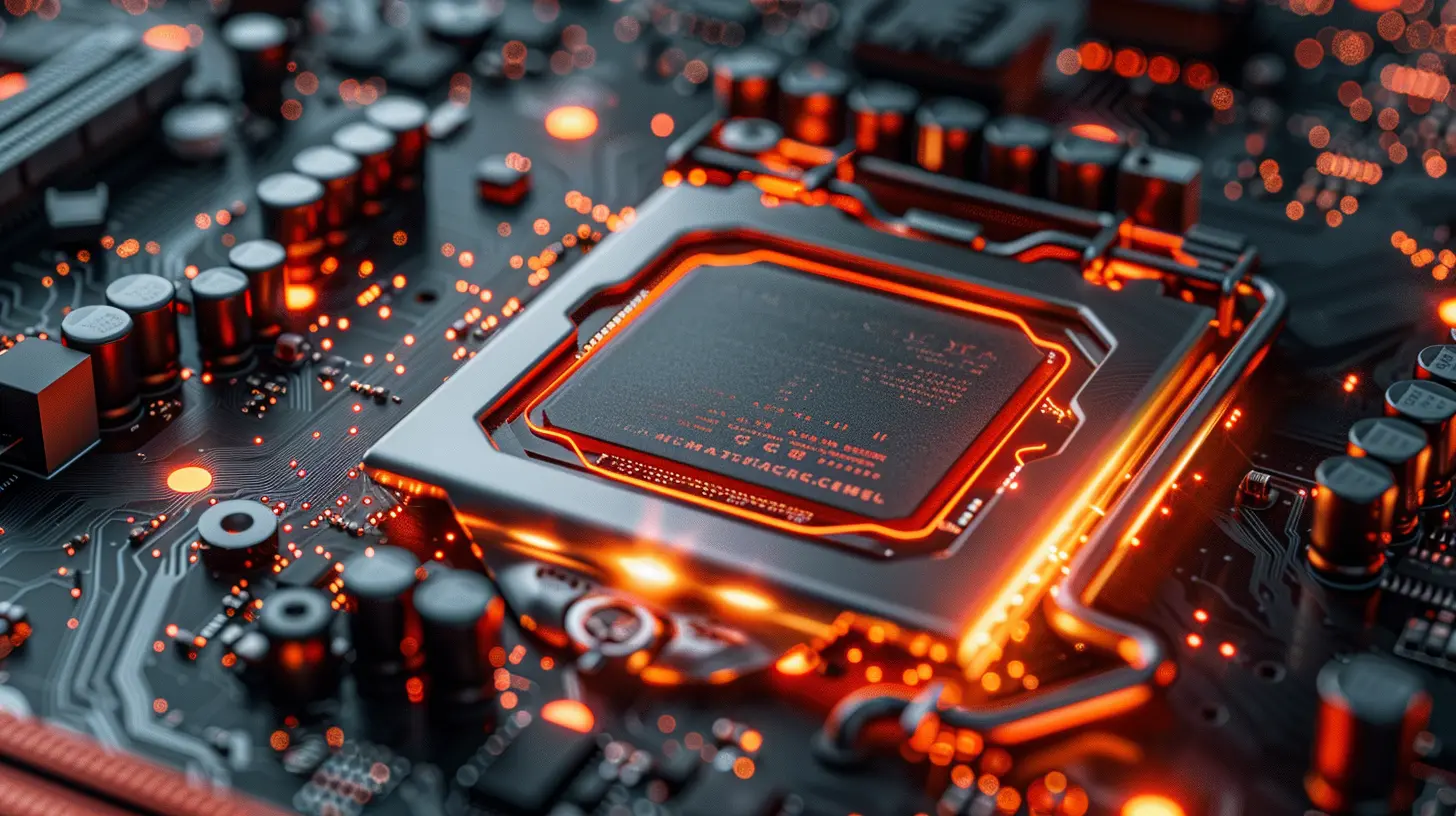
What Does a CPU Do?
To start, let’s talk about the CPU, also known as the Central Processing Unit. Think of it as the brain of your computer. It processes instructions, runs the operating system, and handles all the behind-the-scenes calculations needed to keep your PC running smoothly.When it comes to gaming specifically, the CPU plays an essential role in handling tasks such as:
- AI calculations (those enemies moving and making decisions? That’s the CPU’s job).
- Physics simulations (like explosions or destructible environments).
- Background processes (chat apps, updates, and other tasks running while you game).
Now, here’s the kicker: CPUs aren’t just about speed; they also rely on core count. Modern games are getting better at utilizing multi-core CPUs, but not all games make equal use of every core. Some rely heavily on just one or two cores, while others happily spread the workload across all cores.
So, does the CPU matter for gaming? Absolutely. But, is it the star player? Let’s put it on pause for a moment as we switch gears to the GPU.
What Does a GPU Do?
Next up is the GPU, or Graphics Processing Unit, the visual powerhouse of any gaming setup. If the CPU is the brain, the GPU is the artist. It’s responsible for rendering visuals—everything you actually see on the screen during a game. Whether it’s hyper-realistic lighting in "Cyberpunk 2077" or cartoonish textures in "Fortnite," that’s all thanks to the GPU.Here are some crucial GPU-focused gaming tasks:
- Rendering graphics (textures, shadows, reflections, and particle effects).
- Handling high resolutions (4K and beyond).
- Delivering smoother frame rates (so you can enjoy buttery-smooth gameplay).
- Supporting features like ray tracing and DLSS.
When it comes to gaming, the GPU typically takes the lion’s share of the workload, especially in modern games. That’s why most gamers will tell you to sink the majority of your budget into a powerful graphics card.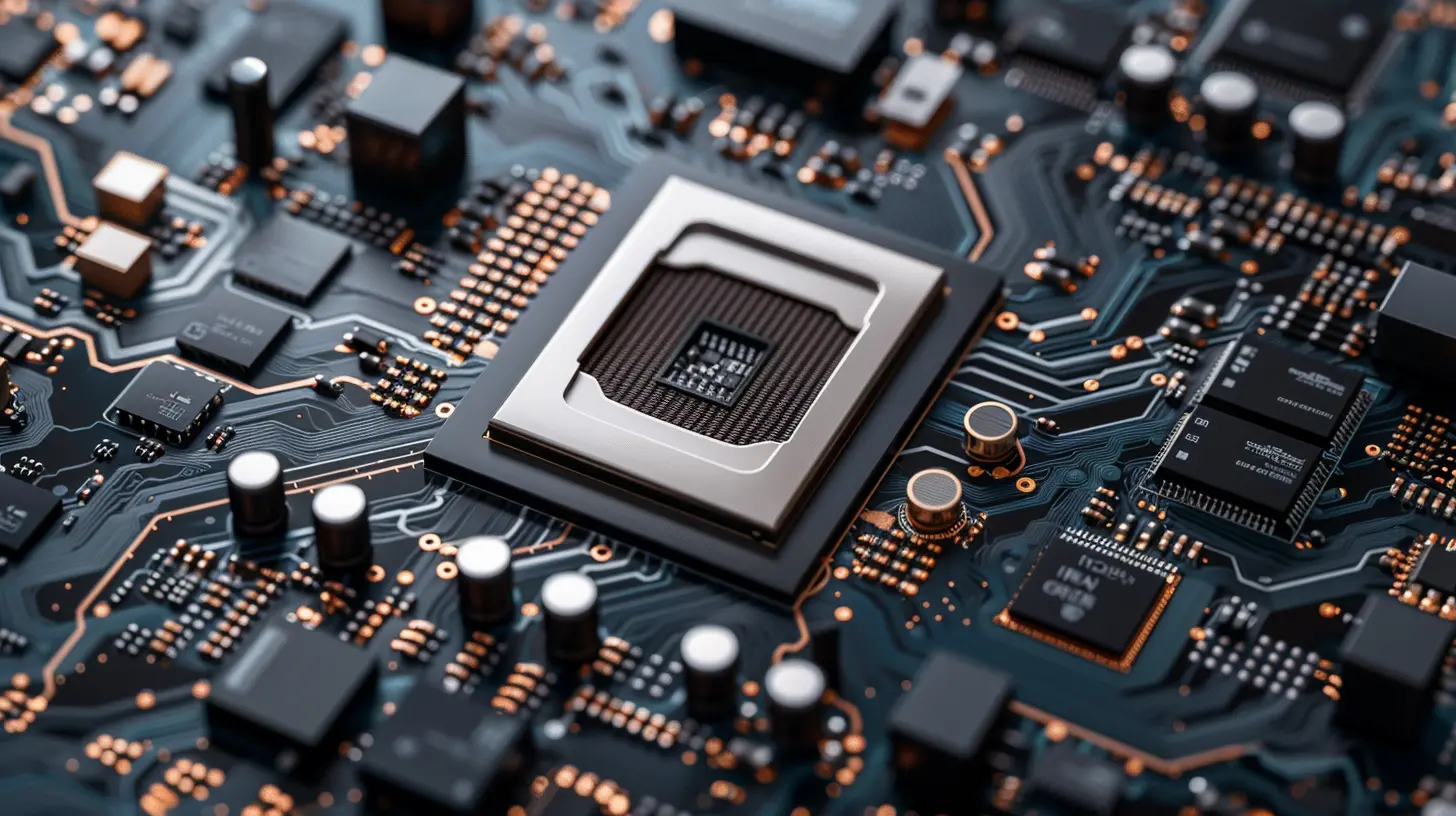
CPU or GPU: Which One Affects Performance More?
Alright, we’ve got the basics down. But which one is actually more important for gaming? Here’s your answer: it depends on the game and your desired resolution/frame rate combination.1. Game Type Matters
Some games lean on the CPU, while others are mostly GPU-bound. For instance:- CPU-Intensive Games: Titles like "Civilization VI," "Minecraft," and "Cities: Skylines" rely heavily on the CPU. These games have a lot of behind-the-scenes calculations, like AI opponents making decisions or your city’s traffic simulation running in real time.
- GPU-Intensive Games: On the flip side, visually stunning games like "Cyberpunk 2077," "The Witcher 3," or "Assassin’s Creed Valhalla" are more demanding on the GPU. They need raw graphical power to render those jaw-dropping visuals.
2. Resolution and Frame Rate Goals
Your target resolution and frame rate also play a huge role in the CPU vs. GPU debate.- 1080p Gaming: At this resolution, the CPU becomes a little more important. Why? Because the GPU isn’t working as hard to push pixels, leaving the CPU to handle more of the workload. If you’re gaming at 1080p, having a decent CPU is essential to avoid bottlenecking.
- 1440p and 4K Gaming: At higher resolutions like 1440p or 4K, the GPU takes center stage. The amount of data the graphics card has to process skyrockets, and the CPU kind of takes a backseat.
What Happens if You Skimp on One?
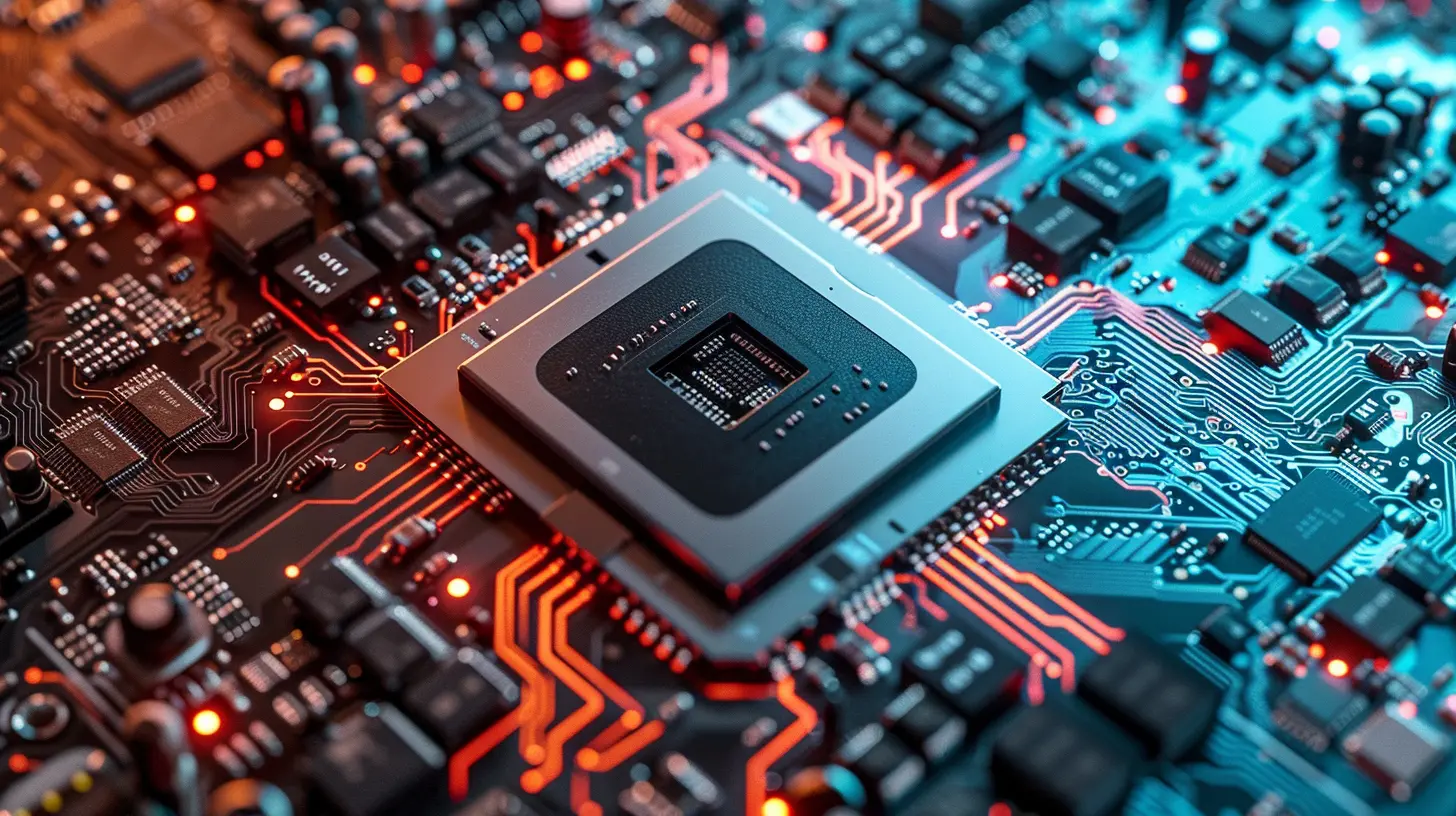
Let’s address the elephant in the room: what happens if you have an amazing GPU but a mediocre CPU, or vice versa?1. A Weak CPU with a Powerful GPU
Imagine putting a Ferrari engine in a go-kart. It sounds cool, but the go-kart’s frame won’t support it, so the Ferrari engine can’t hit its full potential. That’s what happens when you pair a beast of a GPU (like an RTX 4090) with a weak CPU. The CPU becomes a bottleneck, limiting how much your GPU can do. In gaming terms, this means inconsistent frame rates and stuttering, especially in open-world or CPU-heavy games.2. A Strong CPU with a Weak GPU
Now, picture the reverse situation: an Olympic sprinter trying to run in flip-flops. Even if the CPU is top-of-the-line, a weak GPU will struggle to deliver smooth visuals. You’ll find yourself stuck with low frame rates, reduced graphics settings, and an overall subpar gaming experience.Striking the Right Balance
Okay, so how do you avoid mismatched hardware? The key is balance. Your CPU and GPU should be roughly on the same performance level to ensure you’re getting the most out of both. Here are some tips to strike the perfect balance:Tip 1: Know Your Budget
If you can’t afford to splurge on both, prioritize your GPU (unless you’re playing lots of CPU-heavy games like strategy titles). Most modern GPUs can easily pair with mid-range CPUs without major issues.Tip 2: Match Performance Levels
If you’ve got a high-end GPU, go for a mid-to-high-tier CPU. For example, pairing a Ryzen 5 5600X or Intel Core i5-13600K with an NVIDIA RTX 3070 or 3080 will give you excellent balance.Tip 3: Future Proofing
Consider how you might want to upgrade down the road. A slightly better CPU now can give you room to slot in a more powerful GPU later without creating a bottleneck.What About Integrated GPUs?
Let’s touch on integrated GPUs for a second. These are graphics chips built into your CPU (Intel’s UHD Graphics or AMD’s Vega graphics, for example). They’re okay for casual gaming or older titles, but don’t expect them to run AAA games at high settings. If you’re serious about gaming, a dedicated GPU is the way to go.Final Thoughts
So, CPU vs. GPU: which matters more for gaming? The truth is, it’s not a simple either/or answer. Think about it like this: the GPU is the brawn, while the CPU is the brains. You need both working together to get the best gaming experience. That said, in most cases (especially for modern games and higher resolutions), the GPU matters more.But don’t forget, a weak CPU can hold back even the most powerful GPU, and vice versa. The trick is to find that sweet spot where they complement each other perfectly.
If you’re building or upgrading your gaming rig, figure out what types of games you play the most and your performance goals (1080p/1440p/4K, 60 FPS or higher). Spend your budget accordingly, and you’ll be crushing it in no time.
all images in this post were generated using AI tools
Category:
System RequirementsAuthor:

Lucy Ross
Discussion
rate this article
2 comments
Destiny Coffey
Interesting debate! I always wondered how much of a difference a powerful GPU really makes compared to a strong CPU in gaming performance. Can we quantify the impact on gameplay experience?
March 19, 2026 at 4:09 PM
Lucy Ross
A powerful GPU significantly enhances gaming performance by enabling higher resolutions and frame rates, while a strong CPU is crucial for overall system efficiency, especially in CPU-intensive games. Quantifying the impact varies by title, but generally, a balanced system yields the best gameplay experience.
Pearl Harmon
In gaming, GPU reigns supreme—it's the heartbeat of stunning visuals and fluid frame rates. CPUs matter, but without a powerful GPU, your gaming experience will be a bland shadow of its potential. Choose wisely!
March 19, 2026 at 4:20 AM
Lucy Ross
Thank you for your insight! While GPUs indeed drive graphics performance, a balanced system with a capable CPU is essential for overall gaming efficiency. Both play crucial roles in delivering an optimal experience.