From Concept to Reality: How VR Games Are Made
29 April 2026
Virtual Reality (VR) games feel like magic, right? You put on a headset, grab some controllers, and suddenly, you’re dodging arrows, casting spells, or exploring whole new worlds. But making those immersive experiences? That’s the real magic—powered by creativity, cutting-edge tech, and a whole lot of trial and error.
If you've ever wondered how VR games go from wild idea to fully playable reality, buckle up. We're diving deep into the creative process, the technology behind it, and all the challenges developers face along the way.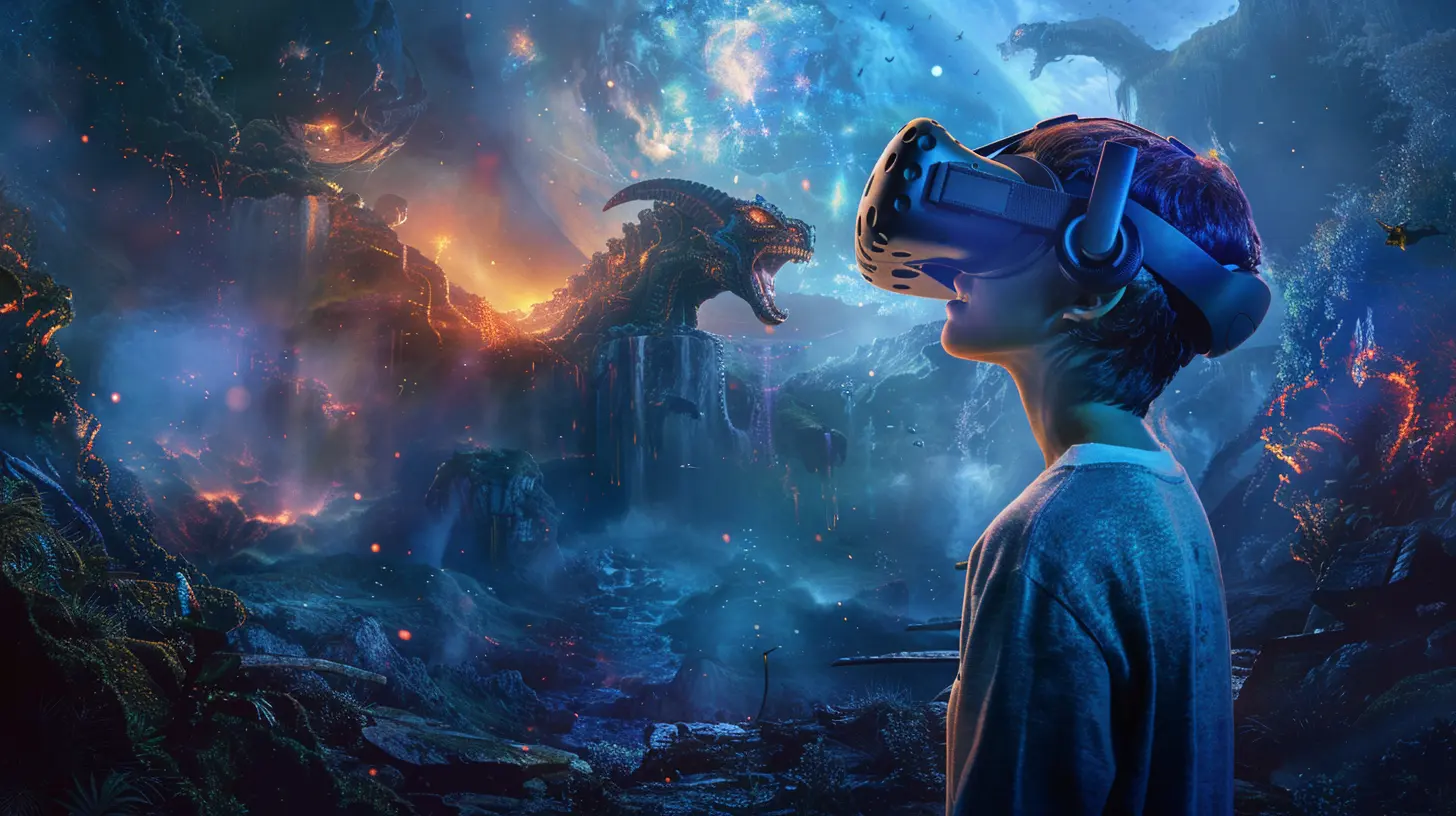
? The Idea Stage: Planting the Seed
Every great game starts with a spark—a "What if?"In VR, that seed usually comes with a twist. Developers aren't just thinking about gameplay or storylines. They're asking, "What would feel amazing to physically experience?" Because unlike traditional games, VR adds your body into the mix.
Instead of just controlling a character, you are the character. So, a developer might think, "What if players could scale a massive mountain using their hands?" Or "What if players could speak spells instead of pressing buttons?"
Ideas that sound gimmicky in 2D gaming can be pure gold in VR. The key is to design interactions, not just mechanics.
? Concept Design: Turning Dreamscapes into Blueprints
Once the idea is in place, it’s time to map it out. Developers sit down to sketch everything from basic story arcs to how players will interact with the world.Here’s where things get tricky in VR:
- Movement: Unlike normal games, moving in VR has to feel natural. Teleportation? Smooth locomotion? Physical walking? All have pros and cons (and yes, nausea risks).
- User Interface (UI): Menus? Buttons? In VR, they suddenly become 3D objects. Think floating screens, wrist-mounted tools, or voice commands.
- Immersion: Sound, lighting, physics—all must be fine-tuned to avoid breaking the player's sense of presence.
This phase is all about taking a dreamy idea and turning it into something that looks halfway like a plan.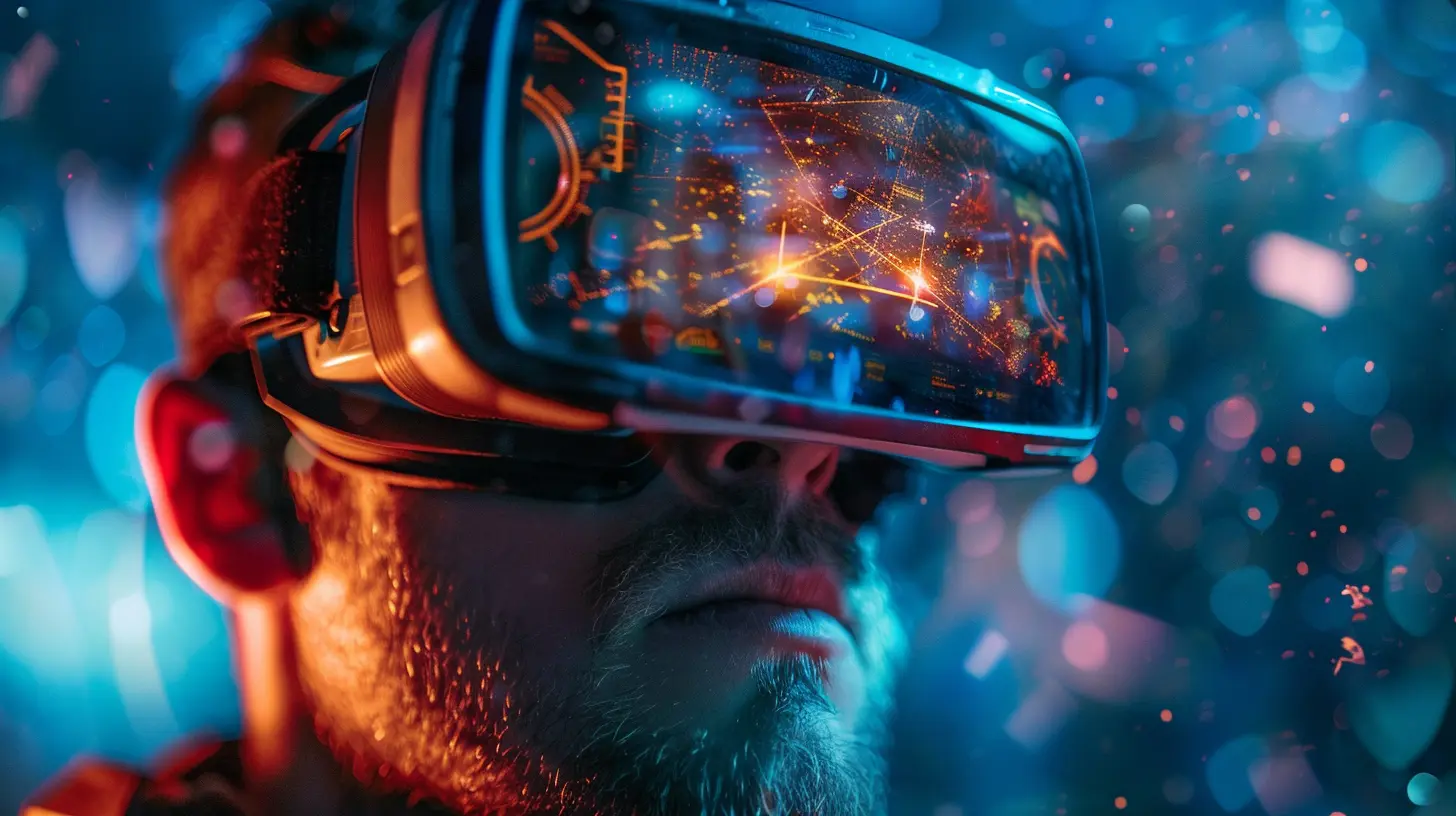
? Tools of the Trade: Choosing the Right Engine
To actually build a VR game, developers choose a game engine—basically a software platform where all the magic happens.The two big players? Unity and Unreal Engine.
- Unity: Great for indie developers, lots of VR support, and works well across devices like Oculus Quest, HTC Vive, and PlayStation VR.
- Unreal Engine: Offers jaw-dropping visuals with a steeper learning curve—perfect for bigger studios aiming for AAA-level realism.
These engines come packed with plug-and-play VR toolkits, but make no mistake: what happens inside them is anything but simple.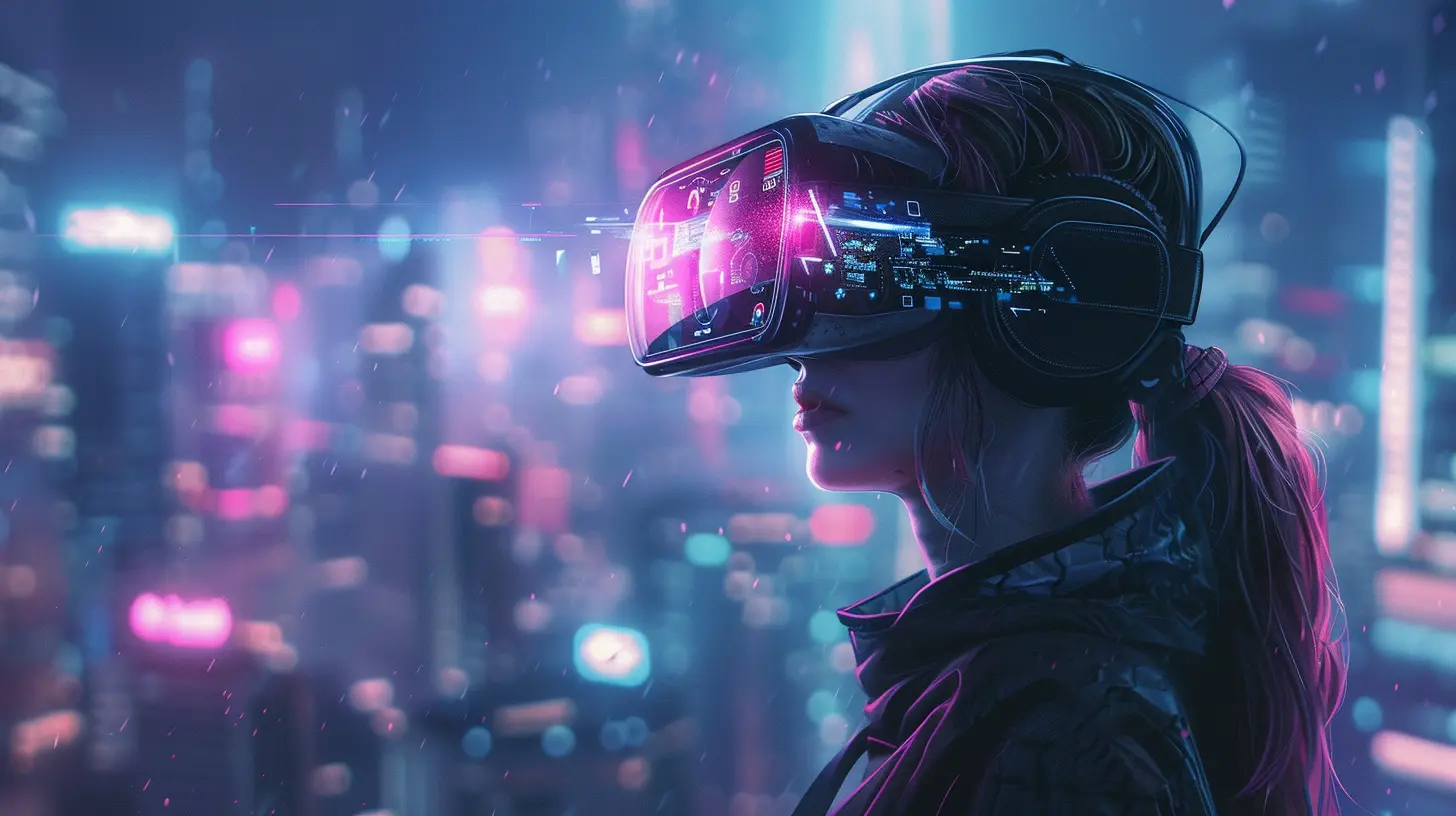
? Building the World: Level Design in Virtual Spaces
Designing a VR level is not just about making things look good—it’s about making players feel like they’re somewhere else.Here’s how it goes down:
1. Blocking Out the Space: Developers use crude shapes (like cubes and spheres) to map out rooms, corridors, and landmarks.
2. Testing Scale: In VR, scale makes or breaks immersion. A colossal dragon feels terrifying if done right—or cartoonish if it’s just… big.
3. Interactivity: Every object is a potential interaction. Can a player pick that mug up? Throw it? Drink from it? Devs have to decide.
Level design becomes a dance of art and function, where realism and fantasy meet.
?️ Game Mechanics: Making the Player Part of the World
A core part of any game—VR or not—is gameplay. But VR brings a whole new layer: physicality.Developers build mechanics around:
- Motion Controllers: These track your hand movements and button presses.
- Head Tracking: Your head position controls where you're looking, obviously.
- Haptics: Vibrations and feedback that make actions feel real.
In a sword-fighting game, for example, developers need to simulate weight and impact. In a horror game? They use spatial audio and visuals to mess with your nerves. Everything gets fine-tuned to create a believable illusion.
? Character and Object Design: Bringing the World to Life
What would Skyrim VR be without dragons, or Beat Saber without its colored cubes?Designers and artists go to town here—creating models for characters, environments, weapons, and more. But in VR, every element goes through extra scrutiny.
Why?
Because you can walk up to things. Inspect them. Tilt your head. Look behind them. Details matter a lot more.
Plus, everything has to be optimized to run smoothly. A highly detailed object might look amazing, but if it lags the game? It’s going back to the drawing board.
? Prototyping: Time to Break Things
With the basics in place, it's time to test—and fail.VR prototyping is all about trial and error. Developers build small sections (called "vertical slices") to test specific mechanics. Then they put on the headset and try them out.
This stage is messy. Turns out, some ideas that sounded great on paper are a total nightmare in practice. Maybe the movement makes people sick. Maybe grabbing objects feels glitchy. Maybe the boss fight is just… boring.
This is where the "reality" part kicks in hard. Making VR games is humbling.
? Audio and Immersion: Making it Feel Real
VR isn’t just about visuals. Sound plays a huge role.- Spatial Audio: Sound comes from where it should. Hear footsteps behind you? They’re really behind you.
- Reactivity: Hit a sword on a wall? It needs to sound like metal on stone.
- Feedback Loops: Good sounds make actions satisfying—think the "click" of reloading a gun or the "zap" of casting a spell.
Music is more than background filler—it guides emotion. Audio designers often say, “If the audio is bad, it doesn’t matter how good your graphics are.”
? Playtesting and User Feedback: Letting Go of Your Ego
Now comes the moment of truth: letting actual players try it out.This can be brutal. What feels obvious to a developer might completely confuse a newcomer. Or worse, players might not feel anything—which is deadly in VR.
Developers gather feedback on:
- Comfort and motion sickness
- Intuitiveness of controls
- Engagement and immersion
- Bugs (oh, so many bugs)
Playtesting helps polish the experience. Many VR games go through dozens—if not hundreds—of iterations before being considered “done.”
? Optimization and Platform Testing: Making It Actually Work
VR games aren’t just designed to look good—they have to perform.Low frame rates in VR aren’t just annoying. They’re nauseating. Literally.
That means developers spend weeks or even months fine-tuning:
- Frame rate stability (minimum 72-90 FPS)
- Load times
- Controller tracking
- Headset compatibility
They also test across devices. A game that works perfectly on Oculus Quest might not behave the same on PlayStation VR. It’s like fitting a square peg into multiple round holes.
? Launch and Beyond: Releasing into the Wild
After all the blood, sweat, and silicon tears, the game finally launches. But guess what? That’s not the end.In fact, it’s just the beginning.
VR developers have to:
- Push updates and patches
- Add new content
- Fix bugs reported by users
- Engage with communities for feedback
The VR world moves fast, and keeping a game relevant takes effort. But when players say, “Wow, I felt like I was really there,” it makes all the grind worth it.
? The Future of VR Game Development
We’re just scratching the surface. As technology improves—lighter headsets, better tracking, full-body immersion—the possibilities are endless.Imagine multiplayer VR where you can reach out and high-five your friend halfway across the world. Or VR RPGs where you cast spells using voice and gesture alone. We’re heading there.
And with tools like AI and Machine Learning creeping into game dev, we might soon see games that react to you like never before. Scary thought, right?
Final Thoughts
VR game development isn’t just coding and design. It’s dreaming with tech goggles on.From concept to reality, creating a VR game means:
- Dreaming big
- Designing smart
- Prototyping often
- Listening to feedback
- And above all—never settling
If you’ve ever wanted to make a VR game, just start. Grab Unity, put on a headset, and make something weird. Who knows? One day, we might all be living in your virtual world.
Until then, keep your eyes open, your controllers charged, and your imagination wild.
all images in this post were generated using AI tools
Category:
Virtual Reality GamesAuthor:

Lucy Ross
Discussion
rate this article
2 comments
Grey McAdoo
The journey of VR game development is fascinating, merging creativity with technology to create immersive experiences that redefine gaming.
May 4, 2026 at 4:47 AM
Lucy Ross
I'm glad you found it fascinating! The blend of creativity and technology truly shapes the future of gaming.
Elijah Alvarez
Insightful piece. It’s fascinating how the line between designer and player blurs in VR. The real magic isn’t just the tech, but the intentional craft of making a player *feel* present, not just immersed.
April 30, 2026 at 3:36 AM
Lucy Ross
Thanks for your thoughts! You capture the essence of VR beautifully-it's all about that connection and feeling truly present in the experience.