How to Build a Budget Gaming PC That Meets Game Specs
11 January 2026
So, you're thinking about building your own gaming PC, but your wallet’s giving you the side-eye? Trust me, I’ve been there. The good news? You don’t need to drop a fortune to get a solid setup that’ll run modern games smoothly. In fact, with a bit of know-how and smart shopping, you can build a budget gaming PC that doesn’t compromise on performance — and yes, it'll still let you enjoy your favorite AAA titles without turning your screen into a slideshow.
Let’s break it down step-by-step, so you know exactly what to look for, what to avoid, and how to balance cost versus performance.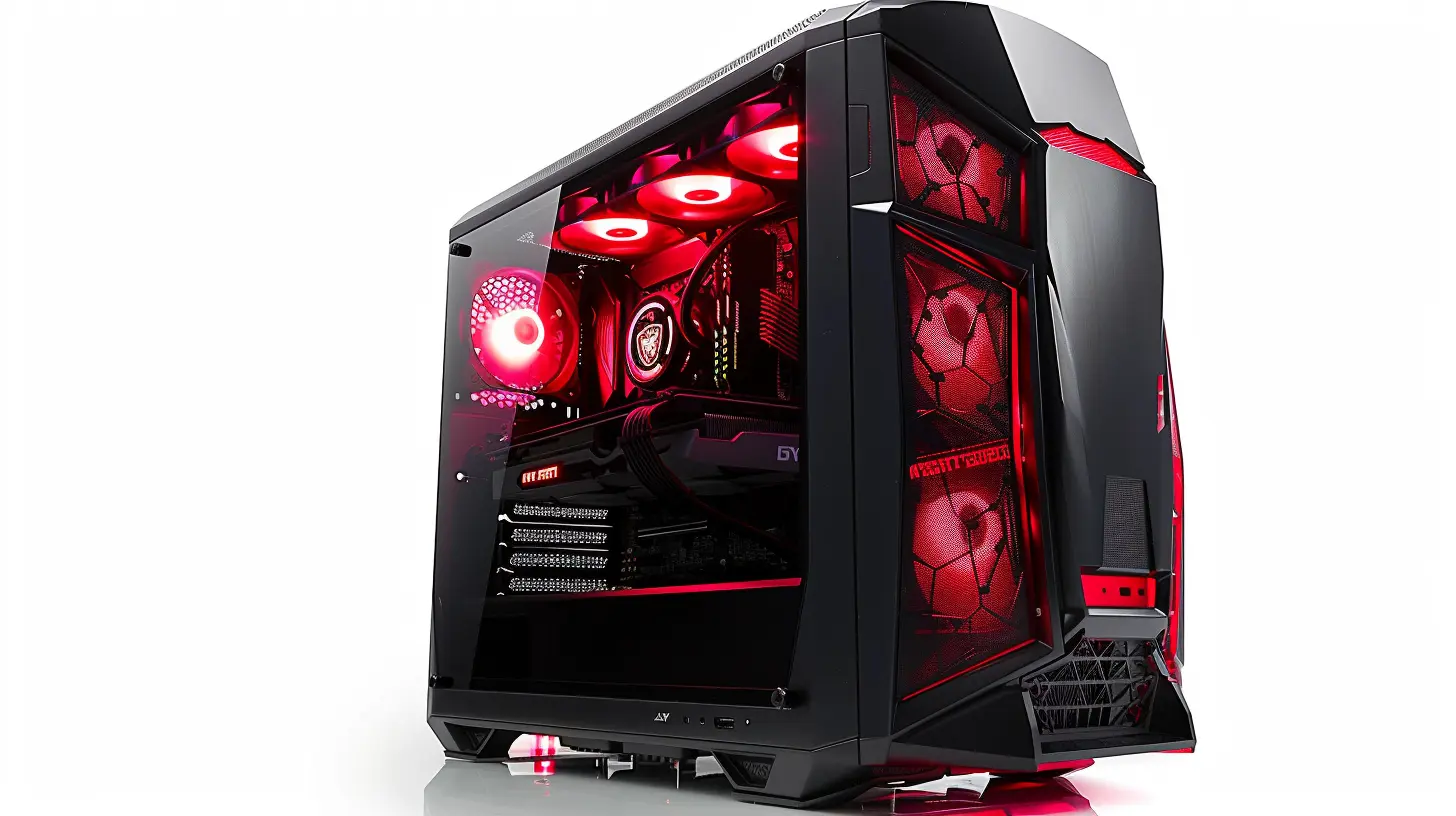
Why Build a Budget Gaming PC?
Before we dive into the nitty-gritty, let’s answer the big question: why build your own budget gaming rig instead of buying a prebuilt one?Well, for starters:
- Better value for your money – Prebuilts often include markups for assembly, branding, and other overheads.
- Customizable – You get to pick parts that suit your needs and not pay for flashy RGB you don’t even want.
- Upgradable – You can plan for upgrades later without having to replace the whole system.
- Satisfying – There's something deeply rewarding about booting up a PC you built yourself. It’s like giving life to a Frankenstein — but a geeky one.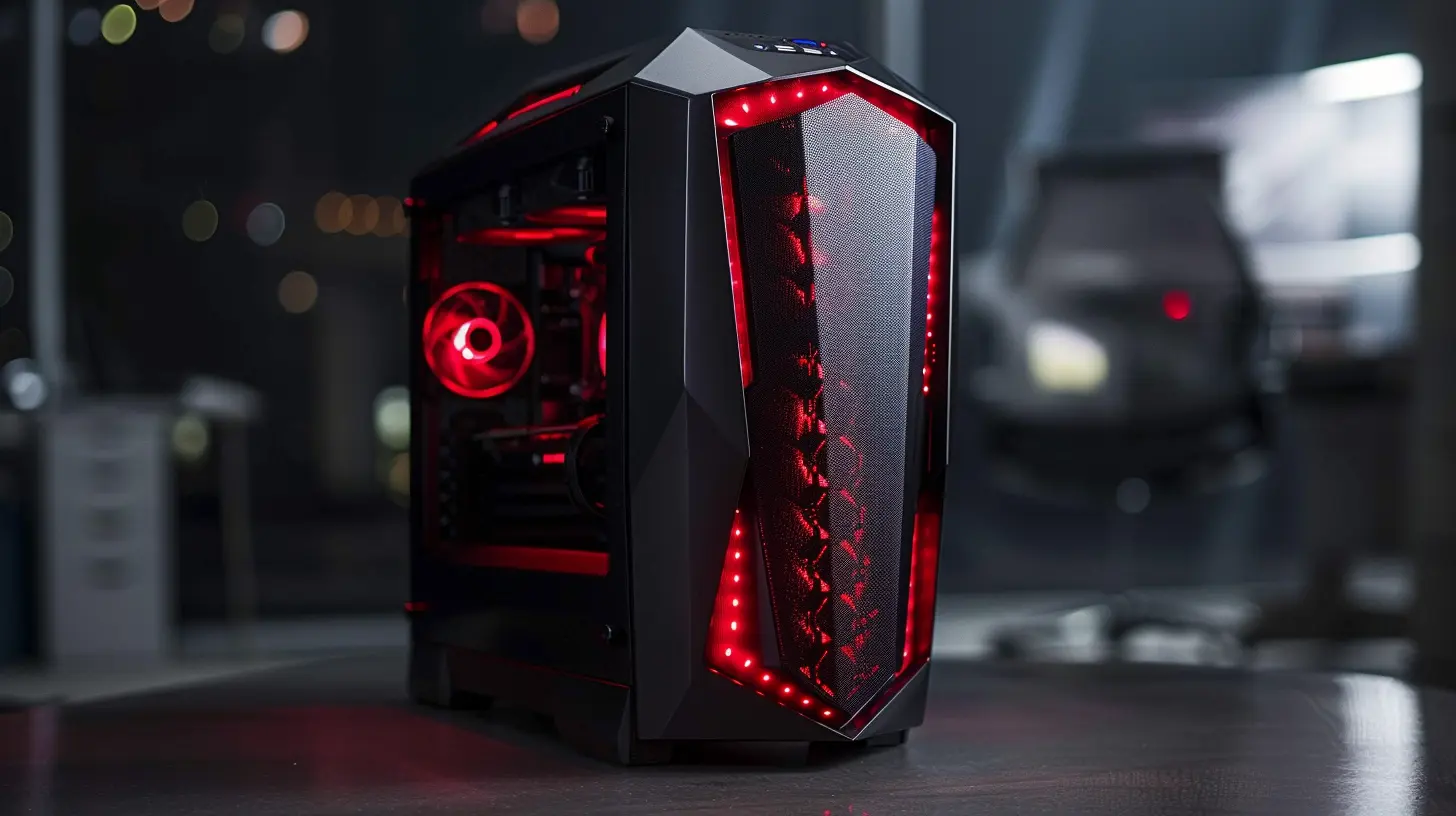
Let's Talk Budget: How Much Should You Spend?
When we say "budget," we’re not talking ultra-cheap potato machines. We’re aiming for a sweet spot — somewhere around $500 to $800. This range gives you enough flexibility to snag decent hardware that can run most modern titles at 1080p with good settings.If you’re just getting into gaming or want something for casual play, you can go as low as $400, but you’ll be making compromises. On the flip side, if you stretch beyond $800, you’re stepping out of "budget" territory — though that’s not necessarily a bad thing if you’re futureproofing.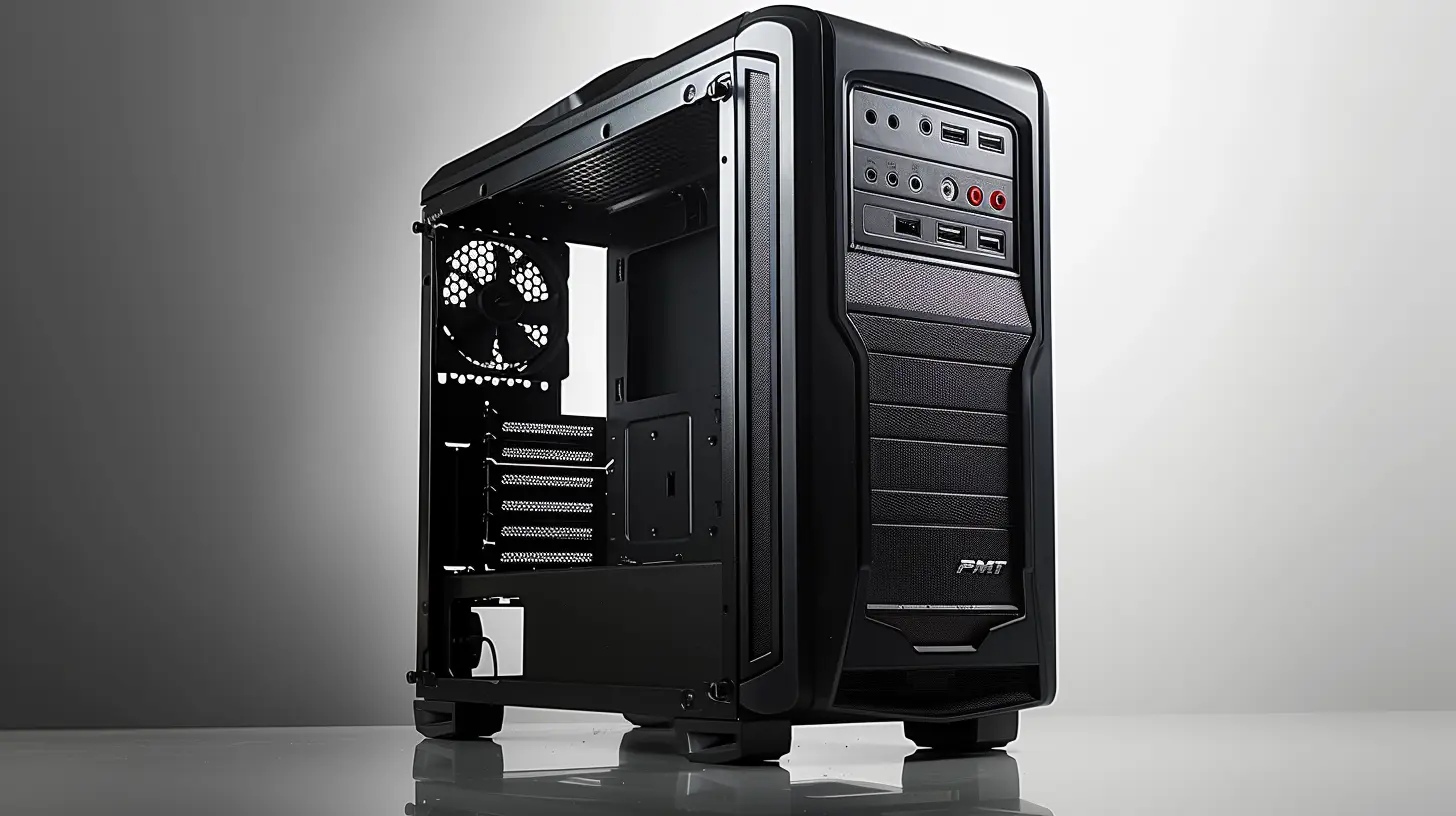
Know Your Target: Understand Game Requirements
A smart builder starts by checking the minimum and recommended specs of the games they want to play. Want to run "Cyberpunk 2077" or "Elden Ring"? You’ll need more firepower than someone who’s just digging into "Valorant" or "Stardew Valley."Look at common requirements like:
- Processor (CPU)
- Graphics card (GPU)
- RAM
- Storage
- Operating system
Once you know what games you'll be playing, create a baseline to make sure your PC won’t struggle running them.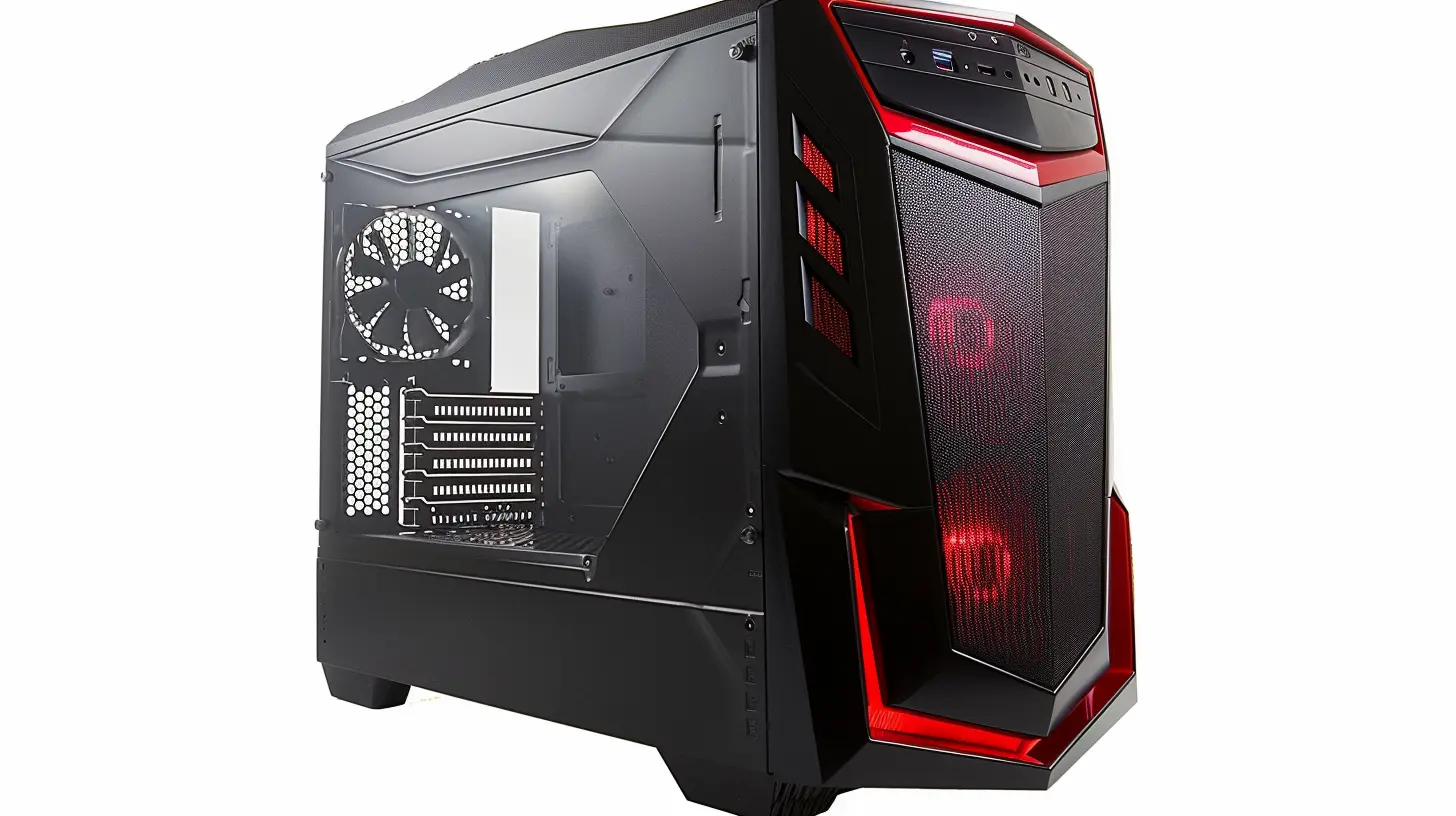
The Core Components: What You’ll Need
Here’s where it gets real. These parts make up your PC’s heart and soul. Let’s go through them one by one.1. CPU (Processor)
Think of the CPU as your PC’s brain. It handles all the behind-the-scenes calculations. For a budget build, you’ll want something with solid performance per dollar.Best bang-for-buck picks:
- AMD Ryzen 5 5600G – Comes with integrated graphics if you’re skipping a GPU at first.- Intel Core i5-12400 – Great balance between performance and price.
Stick with 4 to 6 cores minimum if you want to game without bottlenecks.
2. GPU (Graphics Card)
This one’s the star player when it comes to gaming. The better your GPU, the higher your frame rates and prettier your graphics.Good budget options:
- NVIDIA GTX 1660 Super- AMD Radeon RX 6600
- Used GPUs like GTX 1070 or RTX 2060 – A solid choice if you’re comfortable buying used (just do your homework).
Wanna go next-gen? Look at RTX 3050 or RX 6650 XT, but be ready to edge closer to that $800 mark.
3. RAM
Games are memory-hungry beasts. Don’t skimp here.- Minimum: 8GB (Not recommended)
- Sweet spot: 16GB DDR4 (2x8GB sticks for dual-channel goodness)
Corsair, G.SKILL, and Crucial are all reliable brands. Aim for 3000MHz or higher for better performance, especially with Ryzen chips.
4. Storage
Speed matters. HDDs are ancient history for boot drives. Go SSD all the way.- 256GB or 512GB SSD for OS and main games
- Add a 1TB HDD if you need extra space later
NVMe SSDs (like WD Blue SN570 or Crucial P3) are lightning-fast and dirt-cheap now.
5. Motherboard
This is your PC’s foundation. It’s gotta fit your CPU and support the features you want.Picks for Ryzen:
- B450 or B550 motherboards (like ASUS TUF B450-PLUS)Picks for Intel:
- B660 or H610 (like Gigabyte B660M DS3H)Don’t go overboard here. Just make sure it supports your CPU, RAM speed, and has enough ports.
6. Power Supply (PSU)
The unsung hero. A good PSU saves your components from frying.- Avoid no-name brands
- Aim for 500W–650W, 80+ Bronze certified
Trusted brands: EVGA, Seasonic, Corsair.
7. PC Case
This one’s personal. Want RGB? Go wild. Prefer minimalism? Keep it stealthy.Important points:
- Good airflow is a must
- Fits your GPU and motherboard
- Includes fans or spots to add some
Check out NZXT, Phanteks, Cooler Master, or Corsair for budget-friendly options.
Optional But Cool Extras
These aren’t strictly necessary, but they’ll level up your build.- Aftermarket CPU cooler – if you’re overclocking or want quieter fans
- Extra case fans – for improved cooling
- WiFi card or USB dongle – if your mobo doesn’t have WiFi
- RGB lighting – because why not?
Where to Buy Parts (Without Going Broke)
You don’t have to sell your kidney to buy quality components — you just need to know where to look.Best places:
- Amazon – Easy returns, frequent deals- Newegg – Known for PC parts, though shipping might vary
- Micro Center – Goldmine if you live near one
- eBay/Facebook Marketplace – For used deals (buyer beware)
Pro tip: Sign up for deal notifications on Reddit’s /r/buildapcsales or use price tracking tools like PCPartPicker.
Tips for Building Your PC (Without Screaming)
Building a PC sounds intimidating, but it’s honestly like high-tech adult LEGO. Here’s how to keep your sanity:- Watch a building guide first (like Linus Tech Tips or JayzTwoCents)
- Lay out all your parts and tools
- Have thermal paste if your cooler needs it
- Ground yourself to avoid static
- Double-check all connections before powering on
It’s completely normal to feel tense when pressing that power button for the first time. Just take a deep breath — and enjoy the magic.
Common Mistakes to Avoid
Don’t fall into these rookie traps:- Overspending on flashy cases instead of performance
- Mismatched parts (CPU and motherboard incompatibility)
- Weak PSU that can’t handle your GPU
- One stick of RAM instead of dual-channel
- Skipping BIOS updates (could cause boot issues)
Final Thoughts: Gaming on a Budget Is Totally Doable
You don’t need a killer GPU or $2000 rig to enjoy today’s hottest games. With a little research, smart shopping, and a splash of DIY spirit, building a budget gaming PC is not just possible — it’s a total game-changer.When you pick each part carefully, you craft a machine that suits your playstyle, your wallet, and your upgrade plans. The best part? The performance-to-price ratio on budget builds today is better than it’s ever been.
So whether you’re aiming to frag some friends in "Call of Duty" or get lost in sprawling RPG worlds, your custom-built budget gaming PC will have your back.
Happy building!
all images in this post were generated using AI tools
Category:
System RequirementsAuthor:

Lucy Ross
Discussion
rate this article
2 comments
Renee Schultz
Building a budget gaming PC? It's like crafting a perfect sandwich—find the right ingredients, stack them just right, and enjoy the delicious gaming experience! 🍔🎮
January 19, 2026 at 4:30 AM
Lucy Ross
Absolutely! Just like a great sandwich, the key is balancing quality components to create an amazing gaming experience without breaking the bank. 🍔🎮
Esme McCloud
This article offers practical tips for building a budget gaming PC without sacrificing performance. Great insights on component choices that meet game specs while keeping costs low. Useful for gamers on a budget!
January 12, 2026 at 5:07 AM
Lucy Ross
Thank you! I'm glad you found the tips helpful for building an affordable gaming PC that still meets performance needs. Happy gaming!