The Best Equipment for Creating High-Quality Gaming Videos
13 April 2026
So, you've decided to dive into the world of gaming content creation—awesome! Whether you're gunning for YouTube fame, Twitch stardom, or just want to share your epic gameplays with friends, one thing’s for sure: your setup matters. Big time.
Creating top-tier gaming videos isn’t just about displaying your mad gaming skills; it’s also about ensuring your audience gets a crisp, immersive experience. That means killer visuals, crystal-clear sound, and smooth performance across the board.
Let’s break down the gear you really need to make your videos pop and keep viewers coming back for more.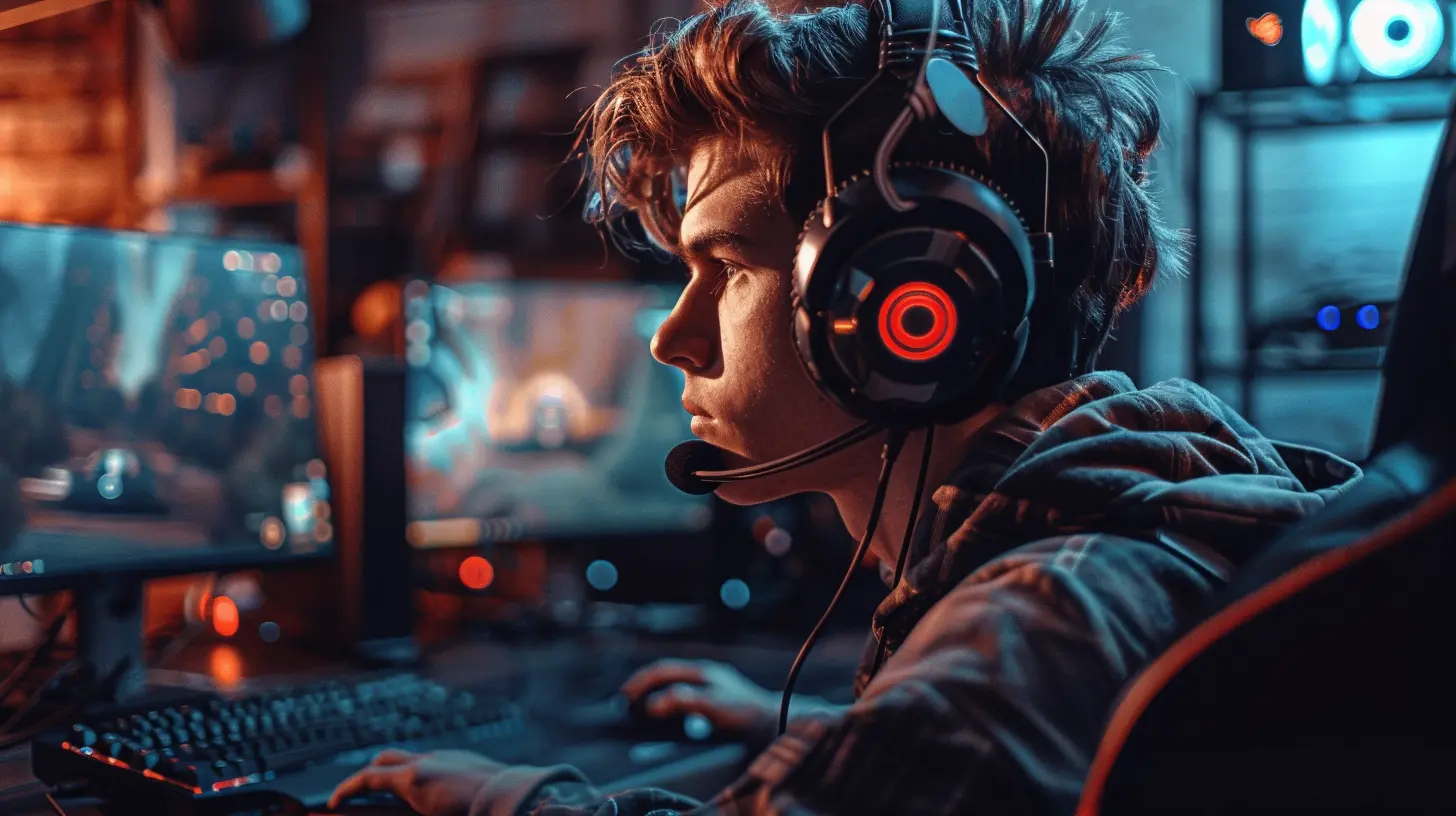
Why the Right Equipment Is a Game-Changer
Before we dive into gear, let’s make one thing super clear—quality matters. If your video stutters, your audio sounds like a broken vending machine, or your facecam is grainier than ‘90s TV, folks are gonna bounce. Fast.Great gear = better videos = more views + subs = a happier you.
It’s not just about looking professional, it’s about giving your audience the content they deserve. And yes, the right equipment can absolutely take your passion project and turn it into something epic.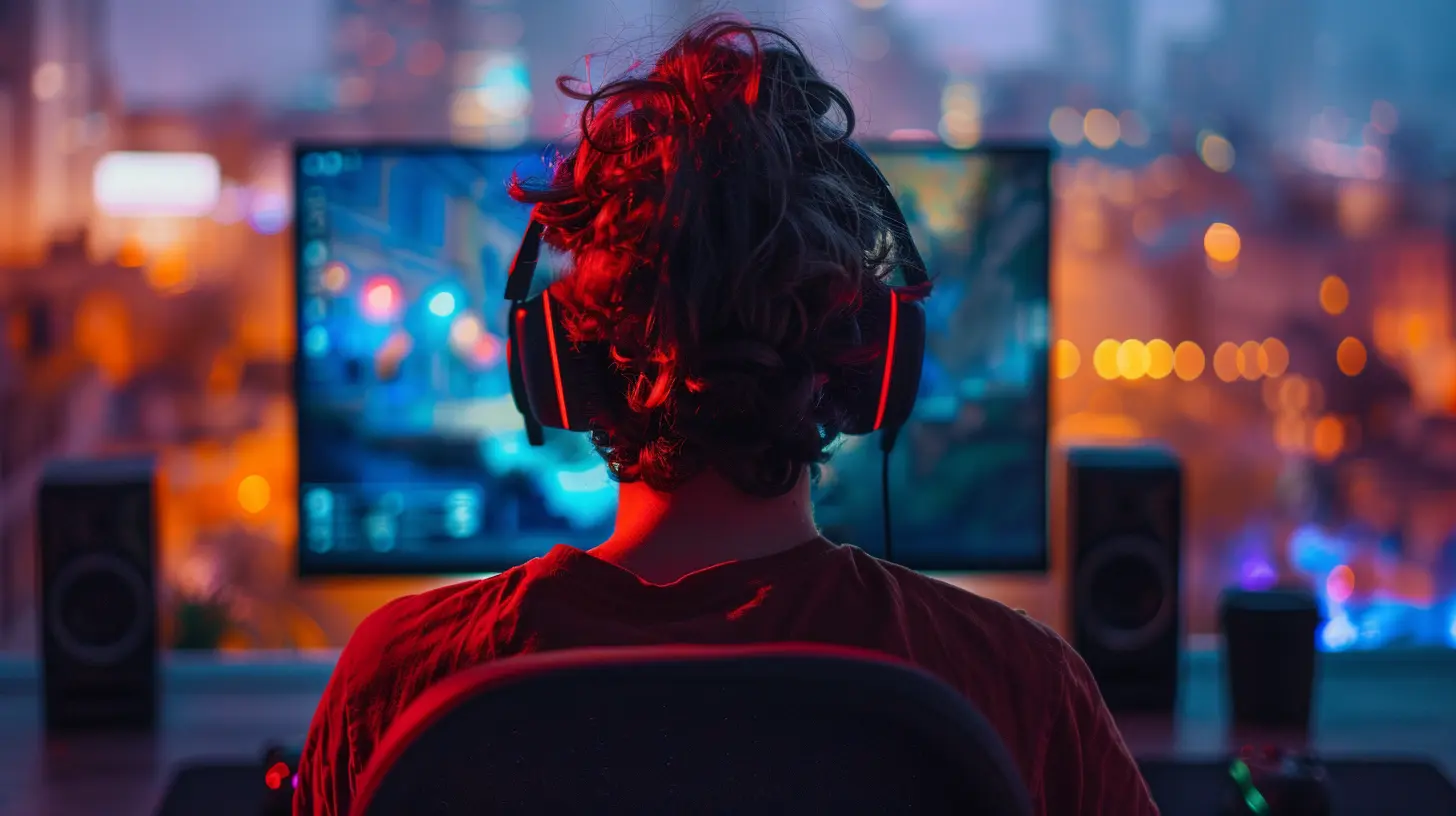
1. The Backbone: A Powerful Gaming PC or Console
Let’s start at the heart of it all—your gaming platform. Whether you're on PC, PlayStation, Xbox, or even Switch, your gameplay source needs to run smoothly, with high frame rates and crisp visuals.Best Specs for a Gaming PC (for Recording/Streaming)
If PC is your weapon of choice, here's what should be under the hood:- CPU: At least an Intel i7 or AMD Ryzen 7 (multi-core magic helps with gaming + recording/streaming at the same time)
- GPU: NVIDIA RTX 3060 and up or AMD Radeon RX 6700 XT and higher
- RAM: Minimum 16GB (go for 32GB if you can)
- Storage: SSD (Solid State Drive) for faster load times
A powerful PC isn’t just for smoother gameplay—it’s crucial when you’re recording and editing those large video files. Trust me, laggy gameplay and choppy edits are a one-way ticket to Unsubscribe City.
Don’t Forget Consoles
If you're a console gamer, you're not out of the game—just pair your console with a capture card (more on this in a bit), and you're ready to roll.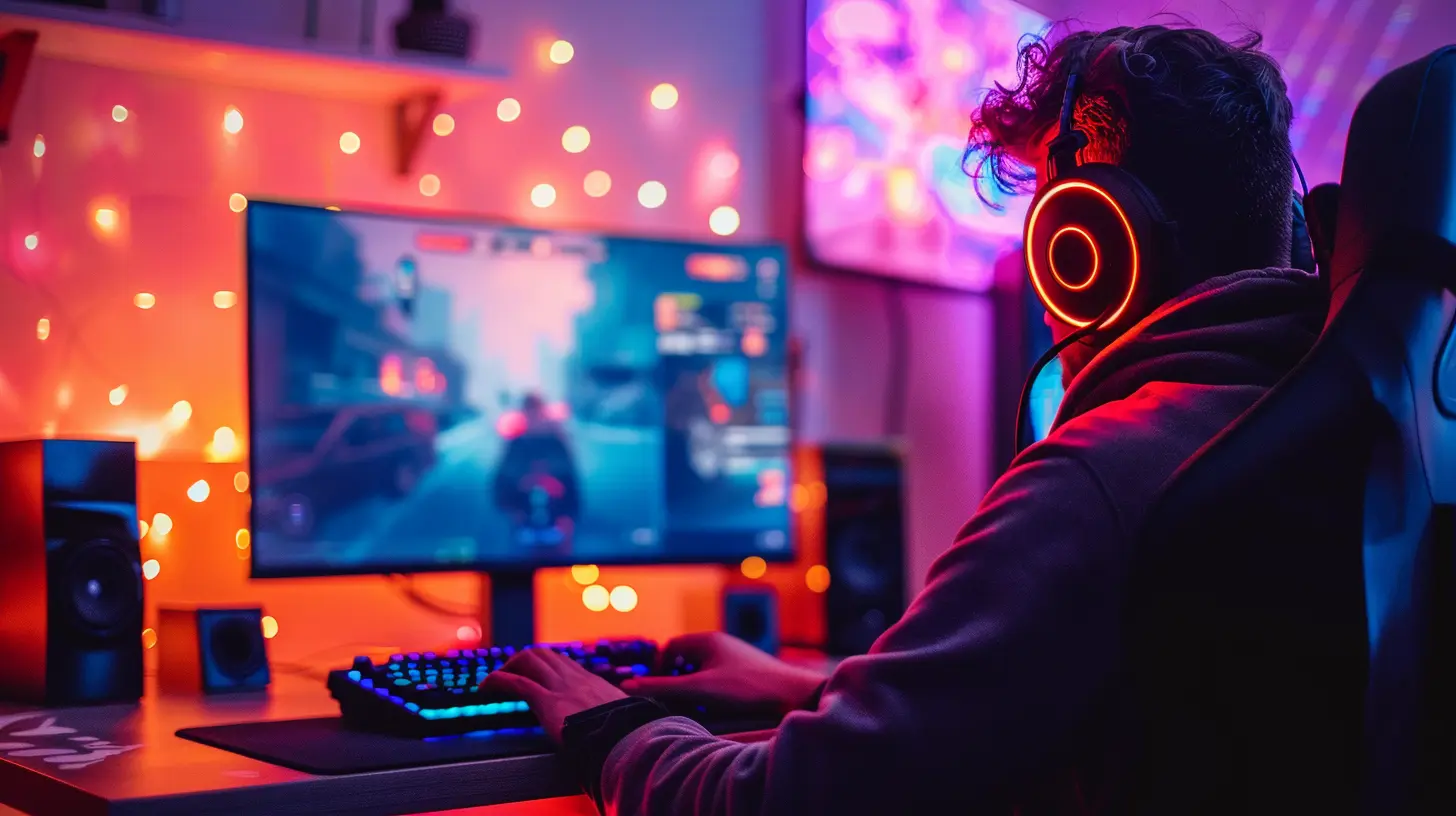
2. A Rock-Solid Capture Card
Ah, the unsung hero of console content creators. If you're using any platform other than a PC to game, you'll need a capture card. Even PC users might want one to offload encoding tasks.Top Picks for Capture Cards
- Elgato HD60 X – Perfect for recording 1080p60 or 4K30 footage. Plug, play, and forget.- AVerMedia Live Gamer Portable 2 Plus – Fantastic balance between quality and portability.
These devices act like game footage gatekeepers—they grab the raw gameplay and send it to your PC for recording or streaming in high quality. No capture card? You'll be stuck with basic screen recordings or in-console tools, and they're just not enough for pro-level content.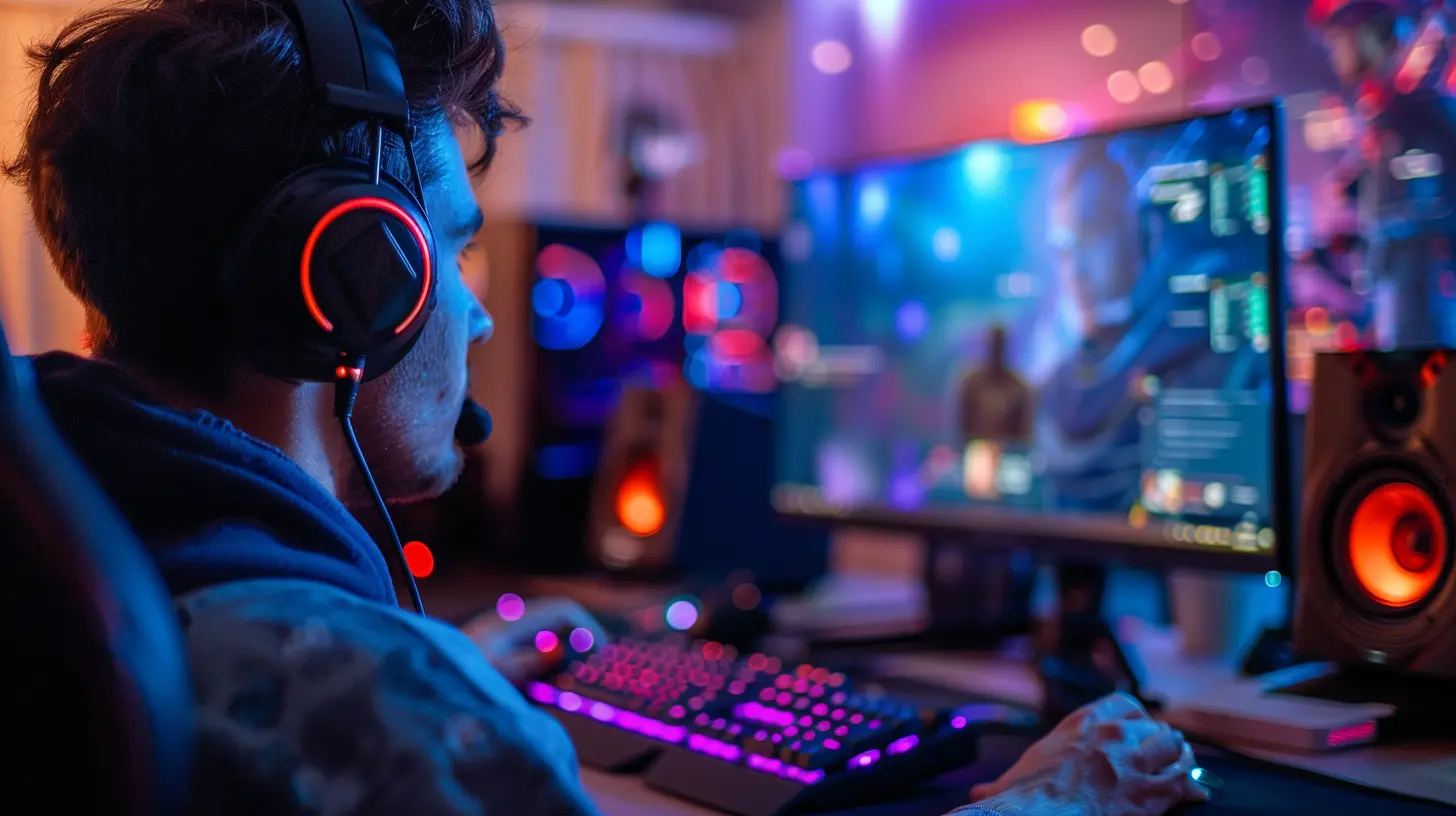
3. A Good Microphone (Don’t Skip This!)
Your voice is your brand. Whether you're explaining game mechanics, trash-talking opponents, or cracking jokes, audio is key.And let’s be real—built-in mics? They sound like you’re talking through a sock underwater. Invest in a good microphone.
Best Mics for Gaming Content Creators
- Blue Yeti – The OG for beginners and pros alike. It's USB, affordable, and sounds great out of the box.- Shure SM7B – Professional-grade, but you’ll need an audio interface for this one (think: Focusrite Scarlett).
- Rode NT-USB – Clean, plug-and-play with solid sound.
Don’t forget a pop filter and boom arm. They’re inexpensive add-ons that make a massive difference in audio quality and comfort.
4. A High-Quality Webcam
You might be camera-shy now, but trust me, viewers love to see the face behind the controller. A good webcam adds personality to your content and creates a connection.Top Webcam Options
- Logitech StreamCam – 1080p/60fps, USB-C, and crisp AF. Perfect for streamers and YouTubers.- Elgato Facecam – Specifically designed with streamers in mind. Stunning low-light performance.
- Sony ZV-E10 (DSLR alternative) – If you're going full professional, this mirrorless camera paired with a capture card is unbeatable.
Lighting also matters (more on that next), but even the best cam won’t help if your image looks like a horror movie.
5. Lighting: The Secret Sauce of Clean Aesthetics
Ever wonder why pro streamers always look like they're glowing? It’s all in the lighting. Even a basic webcam can look amazing with good light. Don’t overthink it—you don’t need a full studio lighting rig.Best Lighting for Streamers and Content Creators
- Elgato Key Light – Adjustable, easy to mount, and made for desk setups.- Neewer Ring Light Kit – Budget-friendly and great for that soft glow.
- Softbox Lighting Kit – For those who want full control over shadows and highlights.
Position your lights diagonally from where you’re sitting, one on each side. Boom—now you’re studio-ready.
6. Screen Recording Software
Now that your machine's ready and your voice is on point, you need a way to record the action.Best Options for Screen Recording
- OBS Studio (Free) – Open source and super customizable. A little learning curve, but incredibly powerful.- Streamlabs – A user-friendly version of OBS, great for beginners.
- NVIDIA ShadowPlay – Great if you're using an NVIDIA GPU. Minimal performance hit and solid quality.
Set your resolution to 1080p or 4K, and aim for at least 60fps recording. No one wants to watch gameplay that looks like a slideshow.
7. Video Editing Software
You’ve got hours of raw footage—now it's time to trim the fat and polish it into a masterpiece.Best Editing Software for Gaming Videos
- Adobe Premiere Pro – Top-tier, super versatile, but with a learning curve.- DaVinci Resolve (Free & Paid) – Crazy powerful with amazing color grading tools.
- Final Cut Pro (Mac only) – Fast and efficient, especially for Mac users.
- HitFilm Express (Free) – Great for beginners. Has all the essentials.
Add effects, overlays, text, background music, and transitions to keep your videos engaging from start to finish. Your gameplay is the star, but editing is the director making it shine.
8. A Quality Headset
Audio isn’t just something your viewers care about—you care too, right? Whether it’s hearing footsteps in Warzone or syncing commentary in real time, a good headset helps you stay in the zone.Fan-Favorite Gaming Headsets
- SteelSeries Arctis Nova Pro – Gorgeous audio, super comfy, and works for both PC and console.- HyperX Cloud II – A reliable workhorse with great mic quality and surround sound.
- Razer BlackShark V2 – Great audio with rich features and comfy long-session wear.
Pro tip: wired > wireless when it comes to avoiding audio lag.
9. External Storage Solutions
Gaming videos are massive. Trust me, a few 4K recordings will eat up your drive faster than Pac-Man on power pellets. That’s why external storage is your best friend.Recommended Drives
- Samsung T7 Portable SSD – Fast, durable, and compact.- WD My Passport – Budget-friendly and spacious.
- Seagate Expansion 2TB+ – Great value for size.
Use one drive for raw footage and another for final renders to stay organized and avoid cluttering your main system.
10. Optional but Awesome Extras
Looking to go all-in? Consider leveling up with these extras:- Green Screen – Create slick overlays and custom backgrounds.
- Stream Deck (Elgato) – Control your stream, switch scenes, and drop memes with one tap.
- Acoustic Panels – Clean up your voice audio by reducing echo and ambient noise.
- Dual Monitors – Game on one screen, monitor your recording or chat on the other.
These may not be “essential,” but they definitely raise your content level up a few notches.
Wrapping It Up
Creating high-quality gaming videos isn’t just about hitting “record” and going ham. You need the right tools to make your content shine. From your PC or console setup to your mic, camera, and editing software, every part plays a role in producing video content people actually want to watch.But don’t feel like you need top-of-the-line everything right away. Start with what you can afford, focus on creating consistent and exciting content, and upgrade as you grow. Even the biggest streamers and creators started somewhere—usually on a budget with a dream and a half-broken headset.
So grab your gear, hit record, and let’s show the internet what you’ve got.
all images in this post were generated using AI tools
Category:
Youtube GamingAuthor:

Lucy Ross
Discussion
rate this article
2 comments
Maya Wilkerson
Investing in the right gear enhances creativity and elevates your gaming content significantly.
April 17, 2026 at 3:39 AM
Lucy Ross
I completely agree. The right gear can truly make a difference in the quality of gaming content.
Sonya Long
Remember, the best equipment for creating high-quality gaming videos isn’t just about the gear—it's also about having a snack stash handy! Because let’s be real, the only thing holding you back from greatness is a rogue bag of chips!
April 15, 2026 at 3:18 AM
Lucy Ross
Great point! Snacks fuel creativity—just as important as top-notch gear! 🍕🎮