The Best Practices for Streaming VR Gameplay
24 October 2025
So, you’ve strapped on your VR headset, powered up your PC or console, fired up your favorite virtual world—and now you’re ready to share it with the world. Streaming VR gameplay is one of the coolest and most immersive ways to connect with an audience. But let’s be real: it’s also a bit trickier than streaming regular games. There’s the motion tracking, the overlays, the viewer experience—you name it.
But don’t worry, I’ve got your back. Whether you're thinking of hopping on Twitch, YouTube, or Facebook Gaming, this guide walks you through the best practices for streaming VR gameplay like a pro — without the headaches. Let’s break it all down, shall we?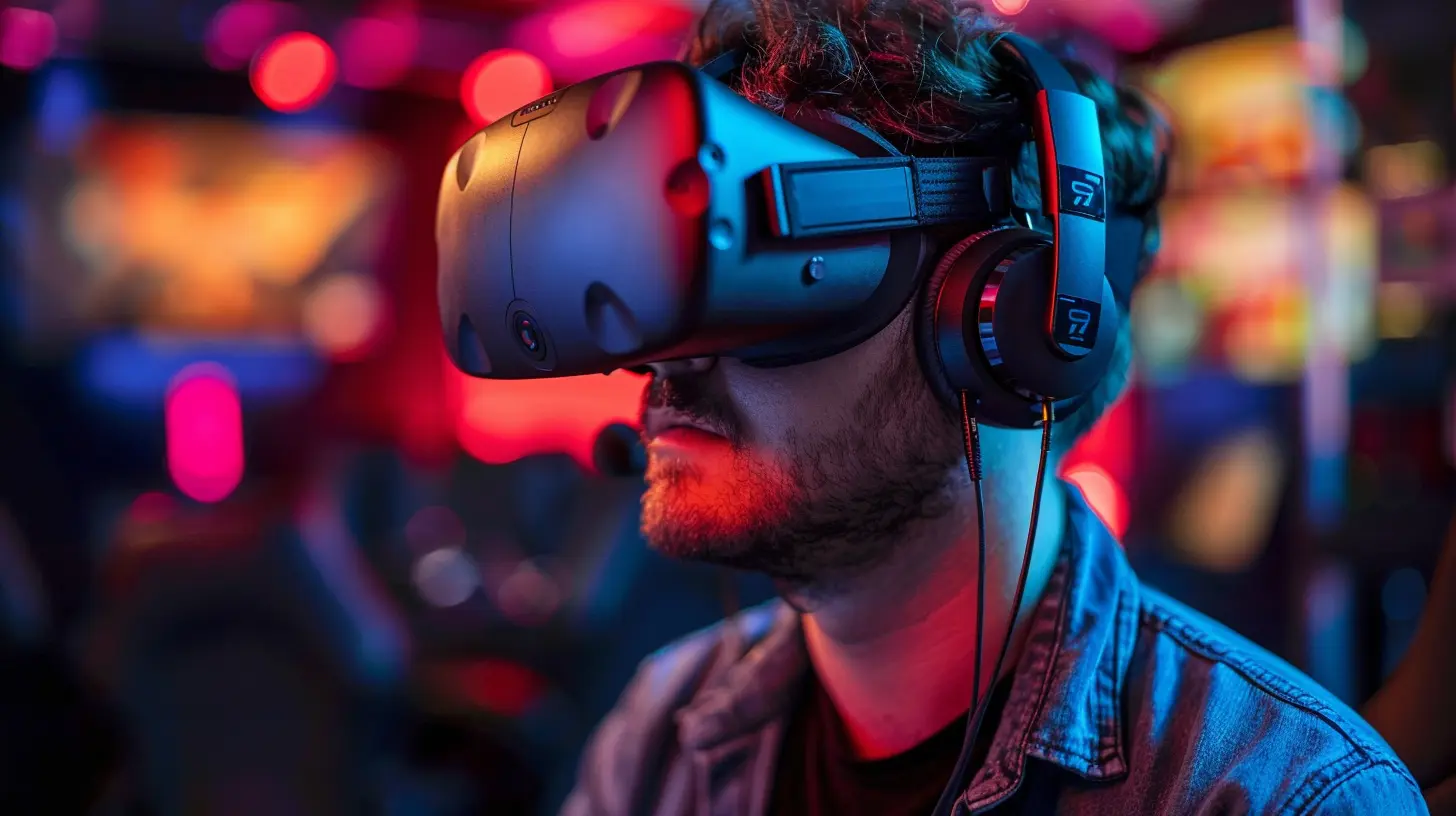
Why Stream VR in the First Place?
Before we jump into the nuts and bolts, let’s talk about why VR streaming is worth it.Sure, flat-screen games are still wildly popular, but VR brings an entirely new level of immersion. Watching someone play Beat Saber, Half-Life: Alyx, Boneworks, Pavlov VR, or even VRChat is a whole different vibe. The viewer doesn’t just see a game—they feel like they’re part of a show. It’s like Twitch meets virtual theater.
This is also your chance to stand out. VR streaming is still growing. Jumping in now means less competition and more room to build a loyal audience. Sound good? Awesome. Let’s get into how to pull this off right.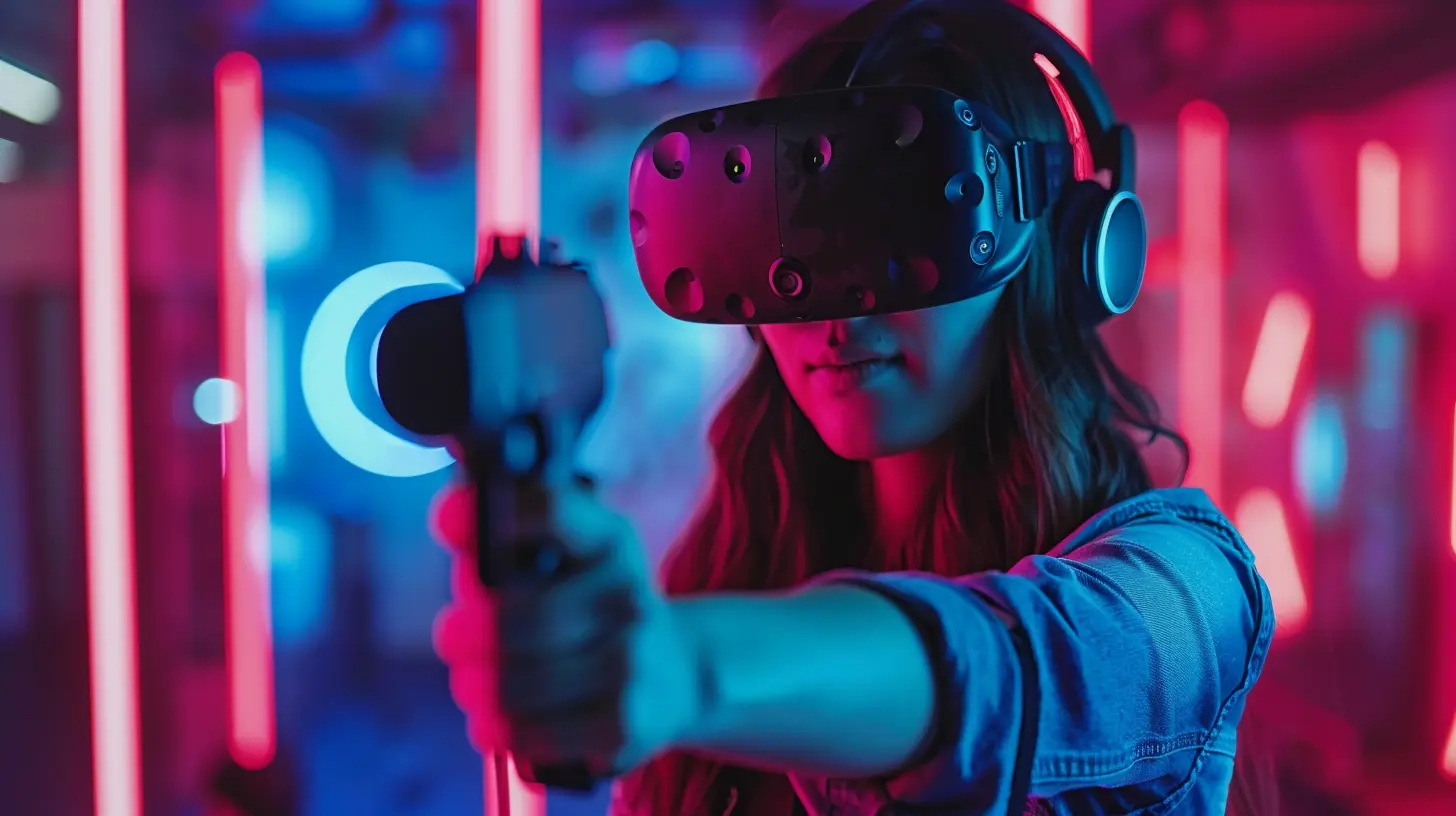
1. Gear Up: Equipment You Need for VR Streaming
Let’s be honest—without the right setup, your stream just won’t shine. Here’s what you’ll need to get started:✅ A VR-Ready PC or Console
If you’re using something like an Oculus Quest 2 with Air Link or a Valve Index, make sure your rig can handle both the game and the streaming workload. We’re talking:- At least an RTX 3060 or equivalent GPU
- 16GB of RAM minimum
- A solid CPU (Think Ryzen 5 5600X or Intel i5-12400)
Streaming uses juice, so don’t underestimate it.
✅ A Quality VR Headset
Popular options include:- Meta Quest 2 / 3
- Valve Index
- HTC Vive Pro 2
- PlayStation VR2 (for console players)
Pick one that suits your budget but make sure it supports external streaming if that’s your goal.
✅ A Streaming Software
- OBS Studio (free and highly customizable)- Streamlabs OBS (more beginner-friendly)
- XSplit (some prefer the premium features)
✅ A Webcam (Optional but Ideal)
Let people see your reactions. VR is all about emotion and immersion. A face cam adds that personal touch.✅ A Good Mic
VR headsets often have mics, but they’re not always great. A USB condenser mic or headset mic will give your voice crisp and clear quality.
2. Optimize for Comfort: Your Setup and Play Area
Streaming in VR can be physically demanding. You’re moving around, dodging bullets, ducking under obstacles—and doing all of this live.🚀 Clear Your Play Area
Safety first, streamer second. Make sure you’ve got a decent amount of room to move. Clear away lamps, pets, coffee mugs, and basically anything that’ll hurt if you fall onto or punch it accidentally.🪑 Consider a Standing or Seated Setup
Depending on the game, some streamers go full standing, while others choose seated play for stability (especially for long sessions). Choose what’s comfortable for you and your audience.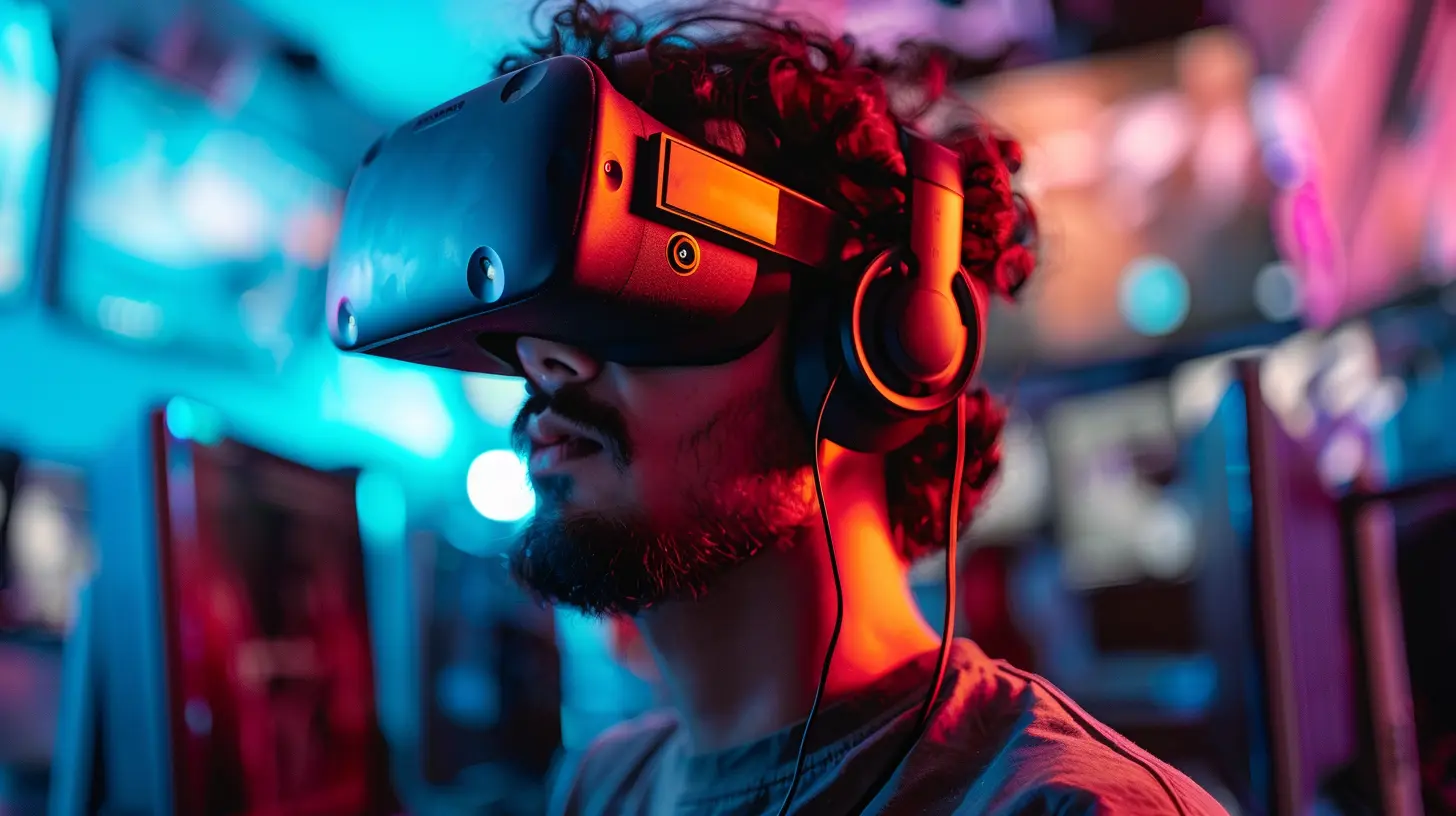
3. Make Sure Your Stream Looks Good
If your stream looks like a glitchy mess, people are gonna bounce. Here's how to make it shine.💡 Add Mixed Reality or Third-Person Views (if possible)
Apps like Liv and OVR Toolkit let you show yourself inside the game. That means viewers don’t just see what you see—they see YOU interacting with the virtual world. It's a game-changer, especially for titles like Beat Saber or Fitness VR games.🖼️ Frame It Right
VR games use a wider aspect ratio. So you’ll want to crop, zoom, and arrange your feed properly. OBS lets you adjust your Canvas settings to better fit your VR gameplay without making it look fish-eyed or warped.🎦 Capture Audio Separately
Sometimes in VR, game audio can overpower your voice. Use different audio sources in OBS to balance the game, your mic, and even background music if you’re into that.4. Prioritize Viewer Experience
This one’s big. You don’t just wanna play in VR, you want people to enjoy watching it.📹 Smooth Camera Movement Is Key
Ever watch a VR stream where the camera jerks around like it's got a mind of its own? Yeah, no thanks. Use camera smoothing settings where possible, and try not to whip your head around too much. Remember: your viewers aren’t in VR—they’re watching on a flat screen.🗺️ Add a Stream Overlay
Just because it’s VR doesn’t mean you skip the classic streamer touch—alerts, chat boxes, and fun overlays still work. Use tools like OVRDrop to pin your chat or alerts inside your VR space so you can engage without breaking immersion.🎤 Talk to Your Chat
This one’s simple but powerful. Take breaks, respond to messages, show some love to your viewers. A lot of people watch VR streams just to feel connected. Be that connection.5. Tweak Your Settings for Performance
Streaming and VR both take a lot of power. Combine them? You're asking a lot from any setup.⚙️ Lower Game Settings Slightly
You don’t need ultra graphics while streaming. Most viewers won’t notice the difference between high and ultra. Lower shadow quality or reflections to free up GPU usage.🎯 Adjust Bitrate and Resolution in OBS
- Aim for 6000 kbps bitrate if streaming at 1080p60- Use NVENC or AMD encoder if your GPU supports it (frees up your CPU)
- Lower your output resolution if you're on a weaker connection or PC
🧪 Test, Test, Test
Before you go live, do private test streams. Watch the playback and see what needs adjusting. Are you lagging? Is your voice out of sync? Better to fix it now than mid-stream.6. Use VR-Friendly Plugins and Tools
Let’s be real—VR can get a little isolating. There are plugins that can help bridge the gap between your virtual and streaming worlds.📦 Tools You Should Consider:
- OVR Toolkit or OVR Drop (lets you pin windows like Twitch chat in your headset)- XSOverlay (customizable overlays in VR)
- Liv for Mixed Reality (especially great for games like Beat Saber and Pistol Whip)
- Voice Attack or AutoHotKey for custom voice commands while playing
These tools keep you connected and in control, without constantly lifting the headset to check OBS or your chat.
7. Manage Yourself Physically & Mentally
Streaming VR can be intense—physically and mentally. You’re sweating, standing, dodging, engaging with chat, and concentrating. That’s a lot.🍌 Stay Hydrated and Take Breaks
Drink water. Stretch. Sit down when you need to. Burnout is real, and nobody wants to watch someone who looks like they’re five seconds from keeling over.🤯 Avoid Motion Sickness
If you’re new to VR, go easy on motion-heavy games right away. Build your tolerance with slower-paced games and take breaks between matches.You’re not just here to survive—you want to thrive on stream.
8. Consistency Is King
Any content creator will tell you: showing up regularly is half the battle.📅 Build a Schedule
Let your viewers know when to expect you. Even if it’s just two nights a week—consistency builds habits. For you and your audience.🤝 Build a Community
Join VR gaming groups, hop into Reddit threads, Discord servers, and talk with other VR streamers. Shout out your viewers, raid other VR streamers, and make real connections.9. Experiment and Have Fun
At the end of the day—streaming VR should be fun. You’re literally in a game world while people cheer you on. That’s awesome.Try different games, mix up your overlay, wear a funky hat—whatever brings YOU joy. That energy will carry into your stream and make your content way more watchable.
Don’t stress about getting it perfect—just get it going.
Final Thoughts
Streaming VR gameplay is basically like juggling while riding a hoverboard—it takes some getting used to, but once you master it, it’s incredible. It’s immersive, engaging, and personal in a way that traditional gaming streams just can’t touch.Just remember: start simple, build up, and don’t be afraid to get a little weird. The VR community is still young, which means there’s plenty of room to grow and stand out. So grab your headset, hit that go-live button, and let people into your world.
Don’t just play the game—be the game.
all images in this post were generated using AI tools
Category:
Virtual Reality GamesAuthor:

Lucy Ross
Discussion
rate this article
2 comments
Nala James
Thank you for this insightful article! The tips on engaging with the audience and optimizing settings are especially helpful. I’m excited to implement these best practices in my own VR streaming. Looking forward to more content like this!
April 19, 2026 at 3:42 AM
Calder Mason
Streaming VR isn’t just about visuals; it’s an immersive dance of tech, talent, and tantalizing audience engagement!
October 25, 2025 at 4:30 AM
Lucy Ross
Absolutely! Immersive experiences in VR require a harmonious blend of technology, skilled creators, and active audience involvement to truly thrive.