The Importance of RAM for Gaming Performance
4 March 2026
Let’s talk about something every gamer has probably heard of but not everyone fully understands—RAM (Random Access Memory). If you’re someone diving into the world of gaming PCs or trying to squeeze out every frame per second (FPS) from your rig, you’ve likely wondered: how much RAM is enough? Does RAM really make a difference in gaming performance? And, most importantly, is it worth upgrading?
Well, grab your favorite drink, settle in, and let’s unpack why RAM matters so much for gaming performance. Think of it like the middle child of your gaming PC—often overlooked but absolutely crucial for the family to function smoothly.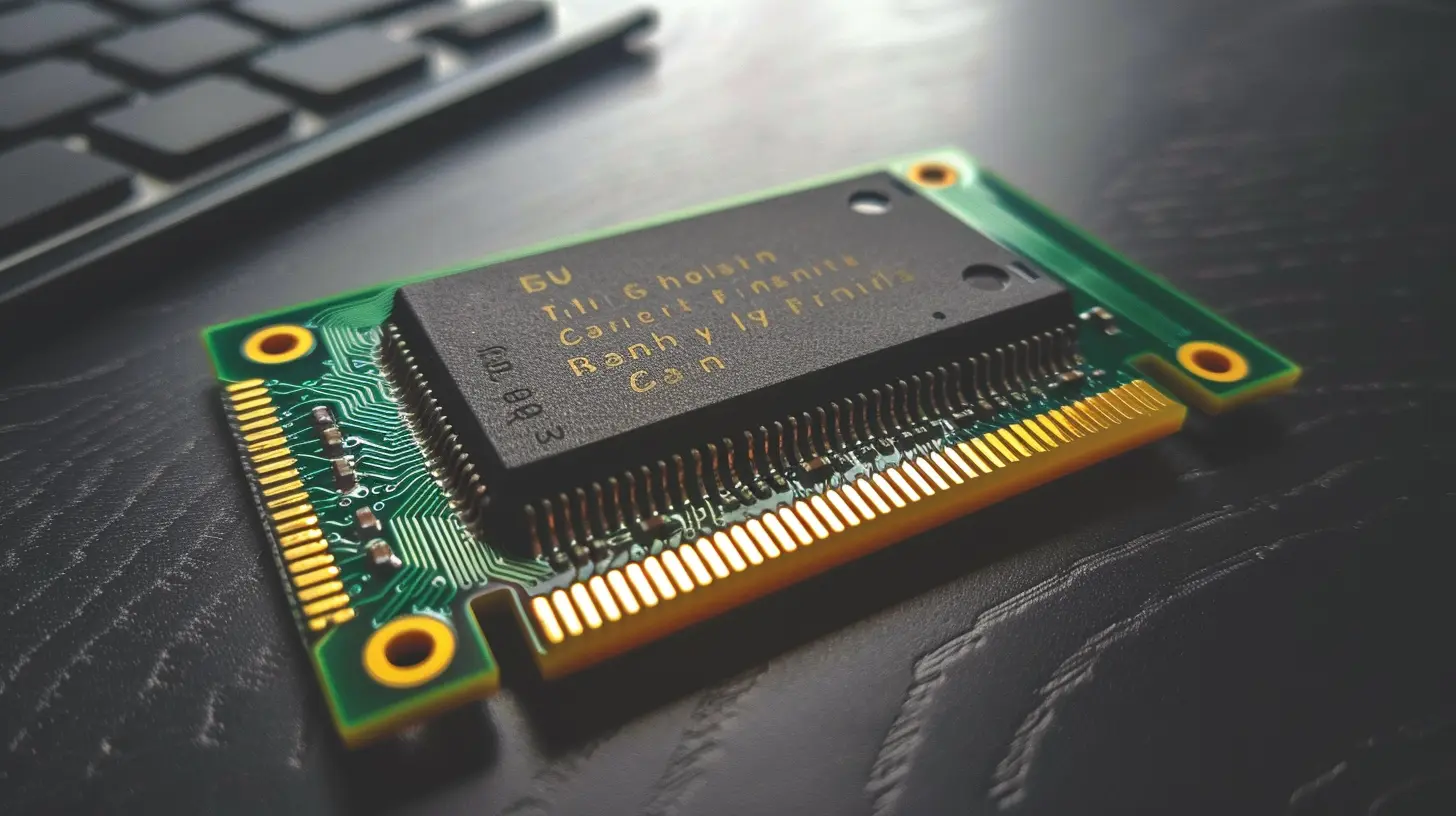
What Is RAM and Why Is It Important?
Before we dive into why RAM is a big deal for gaming, let’s break it down in simple terms. RAM is your computer’s short-term memory. Imagine it as your gaming PC's workbench. The bigger the workbench, the more tools (or data) it can hold and access quickly.When you're gaming, your system constantly pulls data from the game (textures, AI scripts, sound files, etc.) and processes it. This data temporarily lives in the RAM before going to the CPU or GPU. Without enough RAM, your system starts dumping this data onto slower storage drives (like your hard drive or SSD). What does that mean for you, the gamer? More stuttering, longer load times, and if it's really bad, crashes.
Simply put, insufficient RAM is like trying to sprint through mud—it slows everything down. On the flip side, having enough RAM is the equivalent of running on a smooth, well-paved track. 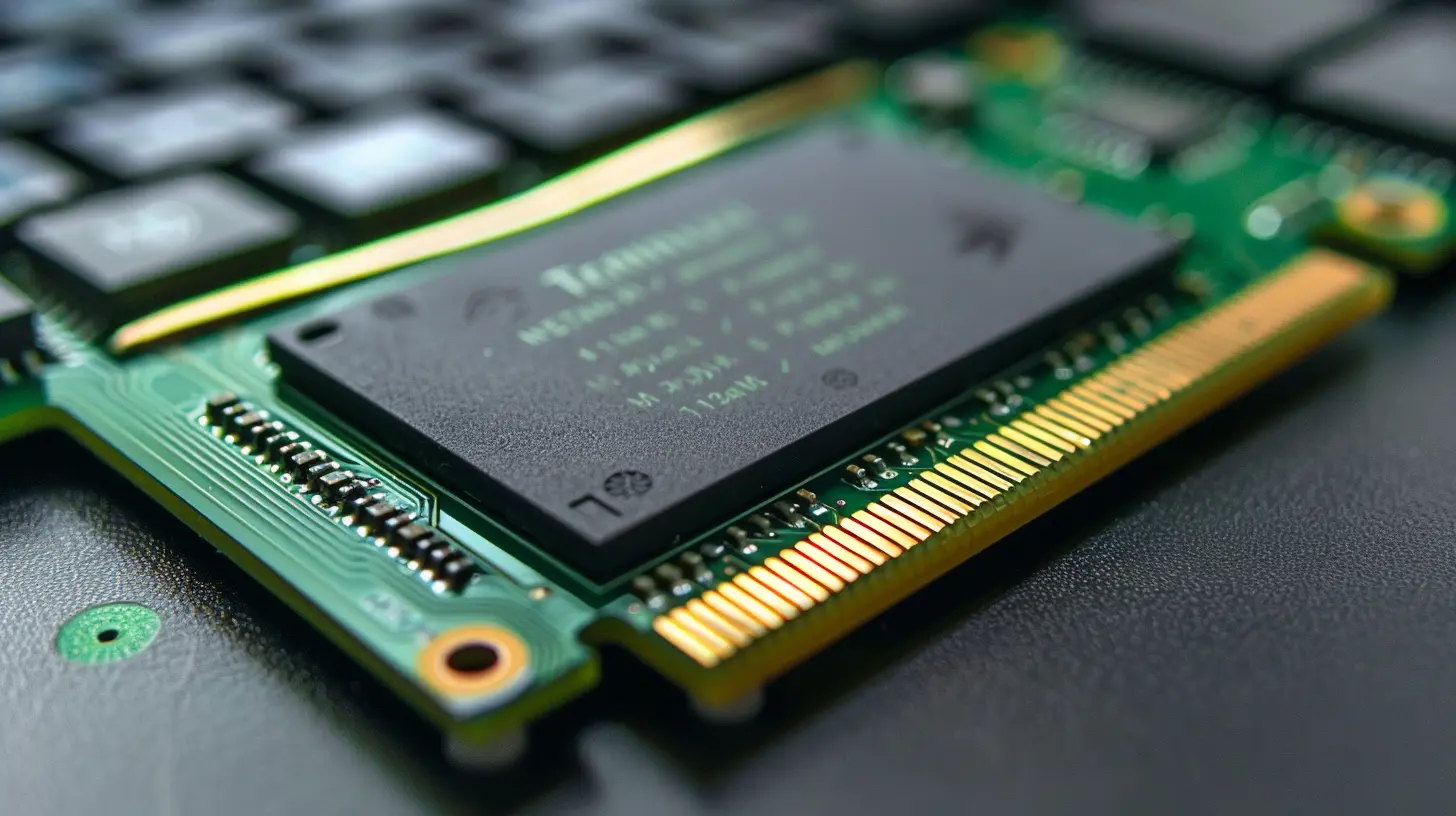
How Does RAM Impact Gaming Performance?
When it comes to gaming, RAM affects a few key areas that can make or break your experience. Let's break them down into bite-sized chunks:1. Frame Rates (FPS)
Your FPS is the bread and butter of smooth gaming. While your graphics card (GPU) and processor (CPU) handle most of the heavy lifting here, RAM plays a supporting role. If your system doesn’t have enough RAM, your GPU and CPU can’t perform at their peak because they end up waiting for data to be fetched from slower storage.For example, modern games like Cyberpunk 2077, Call of Duty: Warzone, or Elden Ring are RAM-hungry beasts. Play these games with only 8GB of RAM, and you’ll feel the pain—lower frame rates and frequent stutters.
2. Game Load Times
Ever been stuck staring at a loading screen for what feels like forever? Yeah, lack of RAM could be partially to blame. With more RAM available, games can preload assets (like textures and environment details) into memory, cutting down on loading times.If you’re rocking a massive open-world game like The Witcher 3 or Red Dead Redemption 2, more RAM allows your PC to juggle the sheer volume of data these games require. No one likes waiting, right?
3. Multitasking During Gaming
Let’s be honest—who games in isolation anymore? You’ve probably got Spotify playing in the background, Discord open for squad chat, and maybe even a browser tab or two for walkthroughs. All of this eats up RAM.If you’re gaming with only 8GB of RAM and try running multiple applications at once, your performance will nosedive faster than a Fortnite player missing a landing pad. On the other hand, having 16GB or more RAM gives you the headroom you need to multitask like a pro. 
How Much RAM Do You Really Need for Gaming?
We’ve established that RAM is important, but how much do you actually need? Let’s break it down:8GB RAM
- Think of it as the entry-level option.- It’s fine for older or less demanding games like Minecraft, Valorant, or League of Legends.
- However, modern AAA games will push 8GB to its limit, resulting in frequent stutters and slowdowns.
16GB RAM
- This is the sweet spot for most gamers in 2023.- It’s enough to handle demanding modern games, run background apps, and still deliver high FPS without hiccups.
- Games like Hogwarts Legacy or Assassin’s Creed Valhalla will run beautifully on 16GB.
32GB RAM
- Overkill for most gamers—unless you’re into extreme multitasking or streaming.- That said, if you’re future-proofing your system, 32GB is a solid investment.

Does RAM Speed Matter for Gaming?
Ah, here’s a question that trips up a lot of people. Not only does the amount of RAM matter, but so does its speed. This is typically measured in MHz (e.g., 2400MHz, 3200MHz, etc.). Faster RAM means data can be accessed quicker, which can improve game performance—though the gains vary by game.For most gamers, RAM speeds around 3200MHz to 3600MHz are the sweet spot. But don’t break the bank chasing those insane speeds unless you’re gaming on a high-end rig.
Can Too Much RAM Be a Waste?
It’s easy to think “more is better,” but there’s such a thing as overkill, even with RAM. If you’re gaming and not doing heavy tasks like video editing or running virtual machines, anything beyond 32GB is likely overkill.Adding more RAM than what your system or game can use is like buying 20 tickets to a concert when you’re going alone. Sure, it’s nice to have the extra space, but it won’t make the band play better.
Tips for Upgrading Your RAM
Thinking about upgrading your system’s RAM? Great choice! Here are some quick tips:1. Check Compatibility: Not all RAM sticks are created equal. Make sure the RAM you buy is compatible with your motherboard.
2. Go Dual Channel: A dual-channel setup (two sticks of RAM) offers better performance than a single stick.
3. Mind Your Budget: Don’t go overboard. 16GB is great for most gamers, and 32GB is plenty for enthusiasts.
4. Consider the Future: If you’re building a PC today, 16GB should be your minimum baseline for gaming.
Final Thoughts
At the end of the day, RAM is a cornerstone of gaming performance. It might not be as flashy as a high-end GPU or as exciting as a new CPU, but without enough RAM, your gaming experience will undoubtedly suffer.Whether you’re battling it out in Apex Legends, exploring vast open worlds, or trying to break into streaming, having the right amount of RAM ensures your gaming PC can keep up with the action.
So, the next time someone says, “Nah, RAM doesn’t really matter,” just smile and ask, “How’s your FPS looking these days?
all images in this post were generated using AI tools
Category:
System RequirementsAuthor:

Lucy Ross
Discussion
rate this article
2 comments
Astrid Bellamy
Great article! RAM is often overlooked, but its impact on gaming performance is significant. Understanding how it enhances your experience can lead to better optimization and more enjoyable gaming sessions. Keep up the great work!
March 11, 2026 at 5:22 AM
Lucy Ross
Thanks for your feedback! I'm glad you found the article useful. RAM really does make a difference in gameplay. Happy gaming!
Kieran Bell
Great insights! Upgrading RAM can significantly enhance gaming performance and overall system responsiveness.
March 5, 2026 at 5:52 AM
Lucy Ross
Thank you! Upgrading RAM can indeed make a noticeable difference in gaming and system efficiency.