Why Controller Support on Steam Is Better Than Ever
20 December 2025
If you're a gamer who prefers the feel of a controller over a mouse and keyboard, let me tell you—you’re living in the golden age of controller support on Steam. It wasn’t always this way. Just a few years ago, using a controller on PC felt like trying to fit a square peg into a round hole. It was clunky, frustrating, and sometimes downright impossible. But oh, how the times have changed.
Steam has stepped up its game (pun intended), and controller support on the platform is now better than it’s ever been. From easy configurations to vast compatibility, Steam has made it so that your favorite controller feels like an old friend, always ready for action. Let’s dive into why this shift has made PC gaming even more exciting and accessible.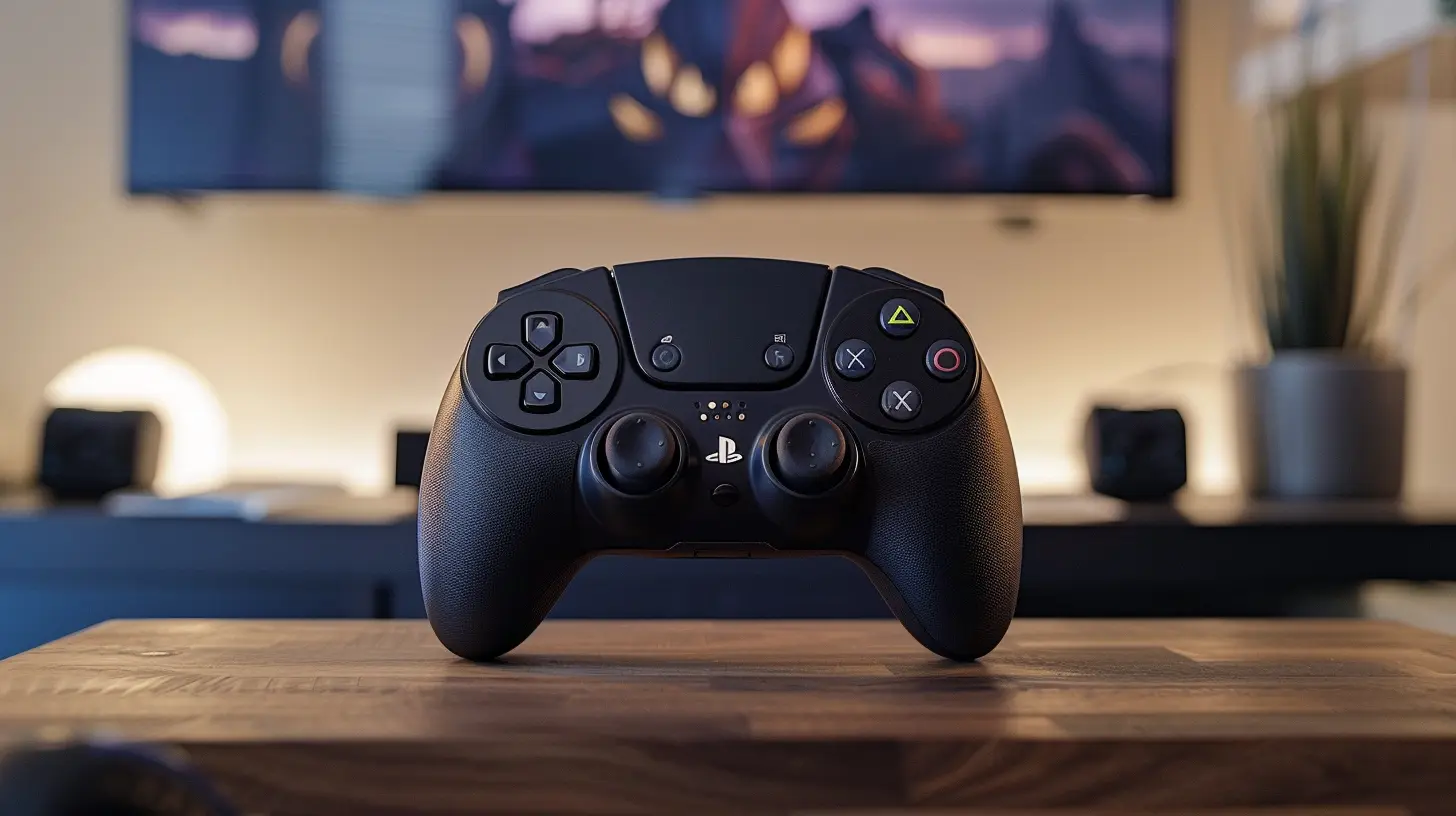
Steam’s Big Picture Mode Is a Game Changer
Have you tried Steam’s Big Picture Mode yet? No? Imagine this: you’re lounging on your couch with a controller in hand, and your PC is beaming your favorite game onto your big-screen TV. Sounds like a dream, right? Well, that’s exactly what Steam’s Big Picture Mode offers.Big Picture Mode transforms Steam’s interface into a controller-friendly hub, making it super easy to browse your library, tweak settings, or even shop for new games—all without touching a mouse or keyboard. It’s like having a console within your PC. If you’re someone who values comfort over hunching at a desk, this feature alone makes using a controller on Steam worth it.
Compatibility That’ll Blow Your Mind
Back in the day, getting your controller to work on PC often required black magic, countless forums, and a degree in advanced IT troubleshooting. Now? It’s practically plug-and-play. Steam supports a huge variety of controllers, from Xbox and PlayStation gamepads to niche favorites like the Nintendo Switch Pro Controller. Heck, you can even use one of those fancy fight sticks if that’s your jam.What’s even cooler is that Steam detects your controller automatically and adjusts in-game settings accordingly. No more mapping buttons for an hour just to make your character jump. Steam’s controller configurations are as smooth as butter, letting you spend more time gaming and less time messing around in settings menus.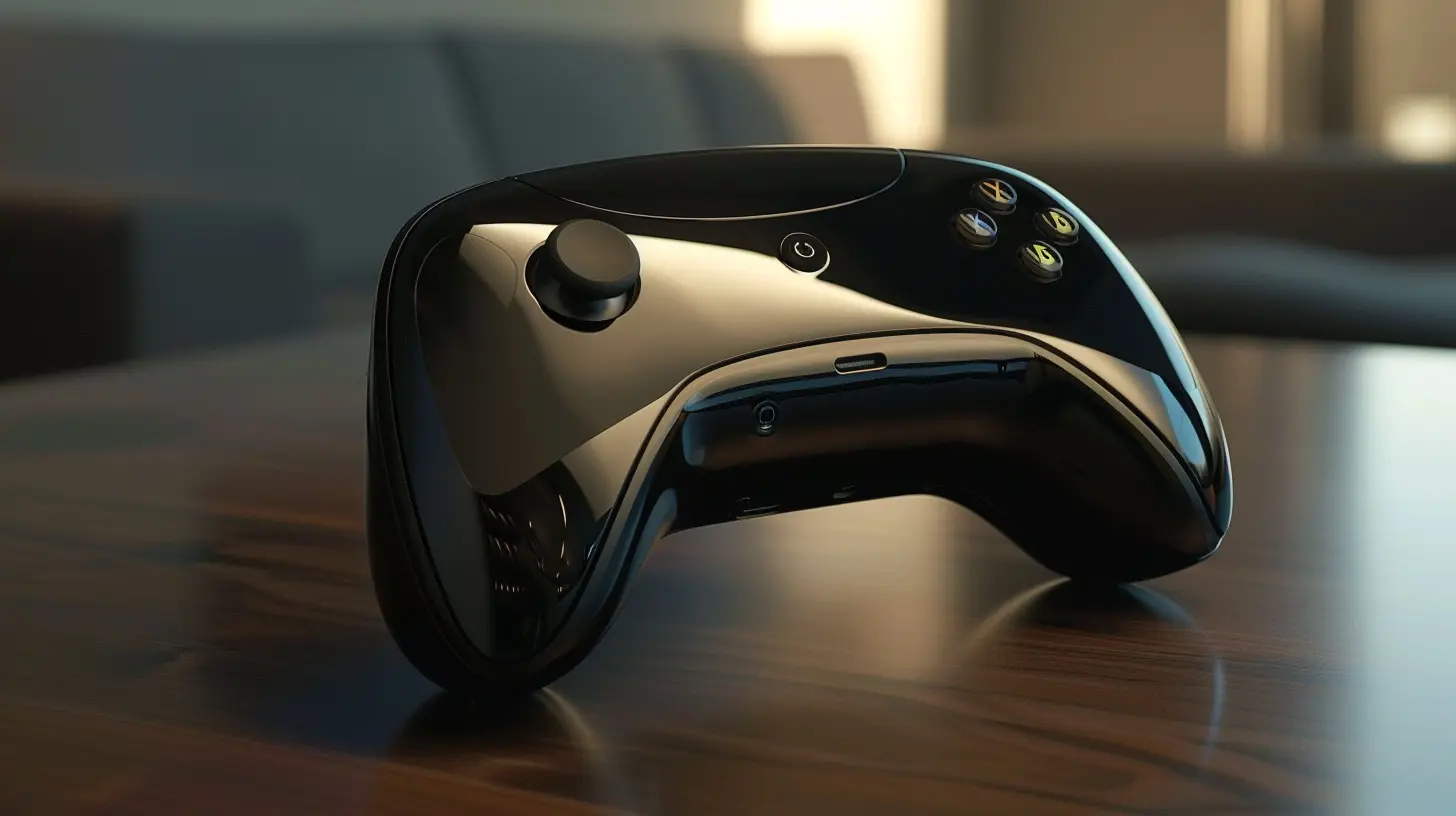
The Steam Input Revolution
Let’s talk about Steam Input for a second. This feature is nothing short of wizardry. Steam Input lets you customize your controller to your heart’s content. Want to remap your entire controller layout? Go for it. Thinking about assigning a keyboard command to a button? Easy. You can even fine-tune the sensitivity of your analog sticks or create your own macros for a super-personalized experience.The beauty of Steam Input is that it’s not just for one type of controller—it works across the board. Whether you’ve got a shiny new DualSense or an Xbox controller that’s seen better days, Steam Input has you covered. It’s like having a universal translator for your gaming peripherals, and honestly, it’s one of the reasons controller support feels so seamless nowadays.
Gyro Controls: Yes, They’re a Thing
Gyro controls used to be one of those features you’d only hear about on the Nintendo Switch. But thanks to Steam, they’re a fully-fledged option on PC too. Using a controller with built-in motion sensing (like the DualShock 4, DualSense, or Switch Pro Controller), you can enable gyro aiming for games like shooters and strategy titles.Why is this awesome? Well, it’s the perfect middle ground between mouse precision and controller comfort. Imagine lining up a headshot with a gentle flick of your wrist instead of relying solely on a thumbstick. It’s intuitive, responsive, and—dare I say—kind of addictive. Once you get the hang of gyro controls, you might never go back.
Controller-Specific Profiles for Every Game
You know how every game has its quirks? Like how one game wants you to jump with the "A" button while another insists on "Y"? Steam gets it. With controller-specific profiles, Steam now allows developers and the community to share pre-made layouts optimized for individual games.For instance, let’s say you’re playing an older RPG that wasn’t designed with controllers in mind. Instead of reinventing the wheel, you can download a popular configuration for the game directly from Steam’s community. It’s like borrowing the perfect cheat sheet, all without leaving the platform. No more button-mashing headaches or endless tweaking. Just plug in, switch profiles, and you’re good to go.
It’s All About Accessibility
Steam’s renewed emphasis on controller support isn’t just a win for convenience—it’s a victory for accessibility. Not everyone can or wants to use a keyboard and mouse. Some gamers find controllers more comfortable, while others rely on adaptive peripherals like the Xbox Adaptive Controller.Steam’s robust support for all kinds of controllers helps make gaming more inclusive. By giving players the freedom to choose what works best for them, the platform ensures that more people can dive into their favorite games without barriers. That’s a big deal, and it’s one of the many reasons Steam feels ahead of the curve.
Controllers and Cross-Platform Play
Let’s not forget how well controllers fit into the growing trend of cross-platform play. Whether you’re squadding up with console friends in games like Rocket League, Call of Duty: Warzone, or Fortnite, having a controller allows you to level the playing field. No one’s going to side-eye you for using a keyboard and mouse in a console-dominated lobby.Plus, many games now include input-based matchmaking, meaning you’re more likely to be paired with players using the same control method. This keeps the experience fair and balanced, whether you’re racking up kills or pulling off insane trick shots.
Steam Deck: The Cherry on Top
We can’t talk about controller support on Steam without mentioning the Steam Deck. Valve’s handheld gaming PC is basically a love letter to controller enthusiasts. With built-in analog sticks, buttons, and trackpads, the Steam Deck proves that PC gaming and controller-based gameplay can coexist perfectly.The best part? The Steam Deck takes advantage of all the controller features discussed earlier—like Steam Input and pre-made profiles—right out of the box. It’s a portable powerhouse that shows just how far Steam has come in making controllers a natural fit for PC gaming.
PC Gaming with Console Comfort
Let’s face it: controllers offer a level of comfort that keyboards and mice just can’t match. They’re ergonomic, simple, and perfect for kicking back after a long day. Thanks to Steam’s improved controller support, you don’t have to choose between the flexibility of PC gaming and the coziness of a controller. Now you can have your cake and eat it too.Whether you’re battling dragons in Elden Ring, scoring goals in FIFA, or platforming your way through Hollow Knight, controllers on Steam feel better than ever. It’s a small change in the grand scheme of gaming, but boy, does it make a difference.
The Future Is Bright for Controllers on Steam
Looking ahead, it’s hard to imagine Steam slowing down its commitment to controller support. As gaming technology evolves, we’re likely to see even more innovations that make controllers an integral part of PC gaming. Who knows? Maybe one day we’ll see even smarter haptic feedback, enhanced motion controls, or new ways for controllers to change the way we play.One thing’s for sure: if you’re a fan of gaming with a controller, Steam is the place to be. It’s like the platform has rolled out the red carpet, welcoming controllers of all shapes and sizes to join the PC gaming party.
all images in this post were generated using AI tools
Category:
SteamAuthor:

Lucy Ross
Discussion
rate this article
2 comments
Oscar McGlynn
Enhanced accessibility boosts gaming experience significantly.
December 21, 2025 at 5:01 AM
Lucy Ross
Absolutely! Enhanced accessibility makes gaming more inclusive, allowing more players to enjoy and engage with games, ultimately enriching the overall experience.
Sera McPhee
Great insights! It's impressive how Steam's improved controller support enhances gameplay for all users. The integration of customizable settings and broader compatibility makes it easier for gamers to enjoy their favorite titles comfortably. Keep up the good work!
December 20, 2025 at 5:11 AM
Lucy Ross
Thank you for your kind words! I'm glad you found the insights helpful—Steam's advancements in controller support truly elevate the gaming experience!