How Much Power Do You Really Need for Ray Tracing?
28 February 2026
Ray tracing, huh? It’s the buzzword everyone in the gaming community is throwing around. From jaw-dropping reflections to ultra-realistic shadows, this tech is revolutionizing gaming visuals. If you've ever stared in awe at a game trailer and wondered, "How do they pull off such insanely realistic lighting?", chances are, ray tracing is the magic behind it.
But here's the catch: ray tracing is power-hungry. Like, "turn-your-PC-into-a-space-heater" level of power-hungry. So, the big question is: how much power do you really need to enjoy ray tracing without turning your gaming rig into a slideshow machine?
Grab a drink, get comfy, and let’s dive into it!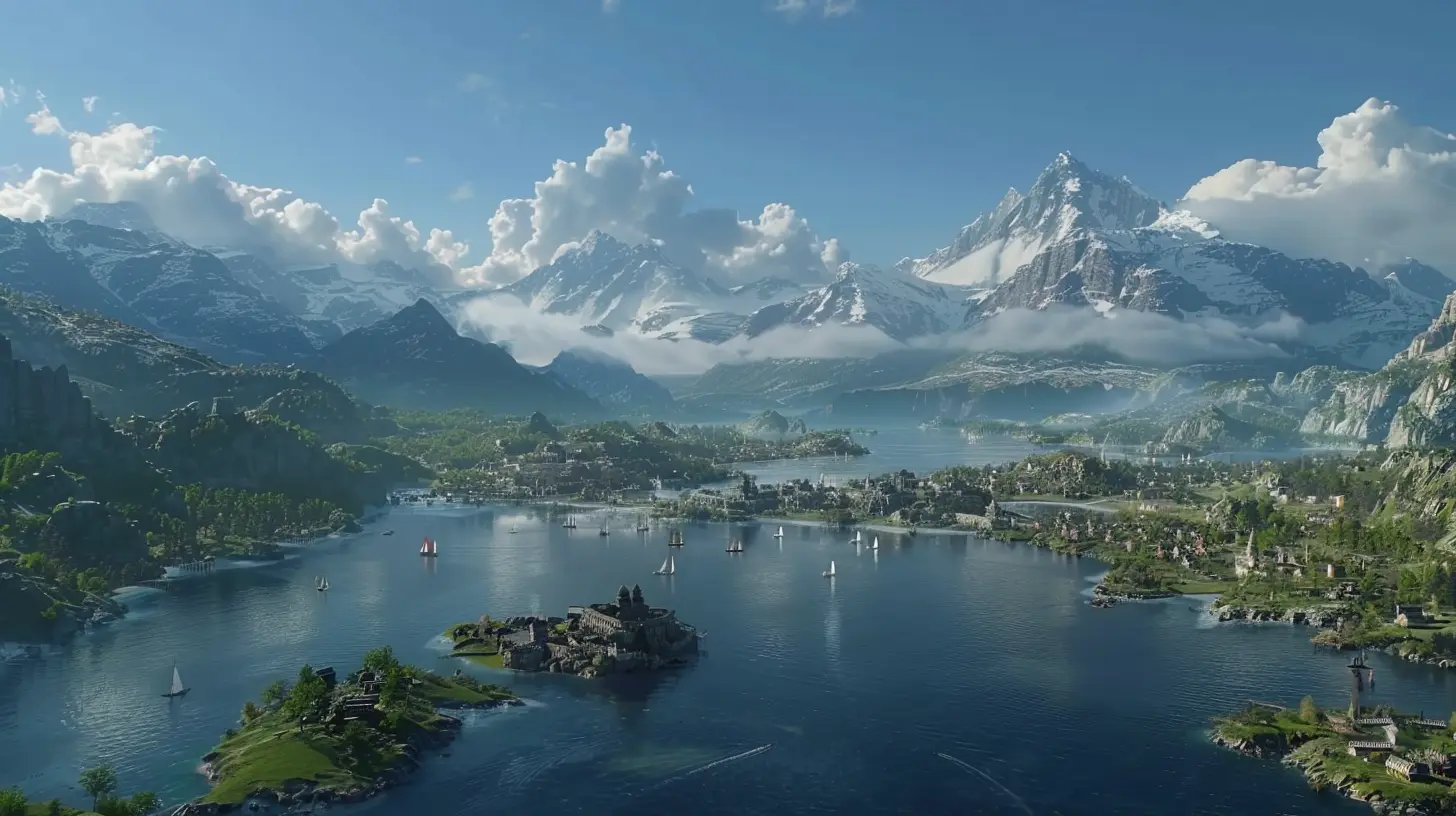
What Is Ray Tracing Anyway?
Before we dive into the power side of things, let’s break down ray tracing for what it is. Imagine you’re gazing out at a crystal-clear lake. The ripples reflect the sunlight, the shadows of trees shift as the wind blows, and every bit of light interacts naturally with its surroundings. Ray tracing aims to replicate that – recreating how light works in the real world.In gaming, this means hyper-realistic lighting, accurate reflections, and shadows that don’t look like blobs of darkness slapped onto the floor. It’s like upgrading from a flip phone to the latest smartphone – you can’t unsee the difference.
But (and there’s always a but), this tech demands some serious hardware firepower. Why? Because your system has to calculate every single ray of light and how it interacts in the scene. That’s no small task.
Why Does Ray Tracing Need So Much Power?
Let me say it upfront: ray tracing is a computational beast. Traditional rendering shortcuts the process by "faking" lighting, whereas ray tracing goes full throttle, simulating light physics in real-time. It's like comparing drawing a stick figure to painting a photo-realistic portrait. One's quick and dirty; the other... yeah, it takes effort.Here’s a quick breakdown of what makes ray tracing power-hungry:
1. Real-time Light Calculations
Every ray of light bouncing off surfaces has to be tracked. And if you're playing an open-world game with dynamic weather and tons of objects? The workload multiplies fast.
2. High-Resolution Gaming
As resolutions jump from 1080p to 1440p and 4K, the number of pixels your system needs to ray trace skyrockets. Each pixel might involve calculating multiple rays. That's like juggling 5 balls instead of 1 – harder, more intense.
3. Frames Per Second (FPS)
Gamers crave buttery-smooth frame rates, ideally 60 FPS or higher. With ray tracing, your system has to manage all those light calculations 60 times a second. If that sounds insane, it’s because it is.
4. Newer Effects
Modern ray tracing doesn't just stop at lighting. It now handles reflections, ambient occlusion, global illumination, and more. All these effects are layered on top of each other, and each introduces more workload for the hardware.
The Hardware You’ll Need for Ray Tracing
So, what’s the deal? Do you need to sell an organ to afford ray tracing-capable hardware? Not necessarily. That said, you’re going to want a robust setup to make the most of it.1. The Graphics Card (GPU) – The Star of the Show
The GPU is the kingpin when it comes to ray tracing. Without a ray-tracing-capable GPU, you can forget about running those gorgeous effects. NVIDIA and AMD currently dominate the ray tracing scene, with NVIDIA's RTX line being pioneers in the field.- NVIDIA GPUs
The RTX 20 series was the first to introduce ray tracing (think RTX 2060, 2070, 2080). While they can handle ray tracing, it’s at a more basic level. Fast forward to the RTX 30 series (like the RTX 3060, 3070, and 3080), and you'll see a significant leap in ray tracing performance. And if you’ve got the cash, the RTX 40 series is bonkers, handling ray tracing almost effortlessly.
- AMD GPUs
AMD's RX 6000 and RX 7000 series have entered the ray tracing race, offering a decent alternative to NVIDIA. While they might lag slightly behind NVIDIA in raw ray tracing performance, they’re catching up quick.
If you're on a budget, the RTX 3060 or RX 6700 XT can give you entry-level ray tracing at 1080p. For 4K with all the bells and whistles? You’ll need something like an RTX 4080 or RX 7900 XTX.
2. CPU – Don’t Sideline It
The GPU usually gets all the applause, but let’s not forget the CPU. If your processor isn’t pulling its weight, the GPU can’t flex its muscles properly. For ray tracing, aim for a 6-core or 8-core CPU as the baseline (Intel’s i5 or i7, AMD’s Ryzen 5 or Ryzen 7).A weak CPU could lead to bottlenecking, where your GPU slows down because your processor can’t keep up. It’s like pairing a Ferrari engine with bicycle tires. Nobody wants that.
3. RAM – Because Multitasking
When your game is crunching numbers for all those gorgeous lighting effects, it relies on system memory. At least 16GB of RAM is a must for ray tracing. If you’re streaming or running background apps, 32GB can be a smarter choice.4. Power Supply Unit (PSU)
Ray-tracing-capable GPUs consume more power than your average graphics card. Make sure your PSU (power supply unit) can deliver enough juice. Here’s a general guide:- RTX 3060 or similar: 550W–650W PSU
- RTX 3080 or RX 6800 XT: 750W PSU
- RTX 4090 or RX 7900 XTX: 850W+ PSU
5. Cooling – Keep It Chill
Ray tracing pushes your hardware to its limits, meaning heat will be your enemy. Ensure your PC has adequate cooling, whether that's through fans, liquid cooling, or improved airflow. No one likes performance drops from thermal throttling.
What About DLSS and FSR?
Don’t sweat it if your rig isn’t top-tier. Technologies like NVIDIA's DLSS (Deep Learning Super Sampling) and AMD's FSR (FidelityFX Super Resolution) come to the rescue. These tools use upscaling magic to render your game at a lower resolution and then sharpen it to look like a higher resolution.In simple terms? Your system doesn’t have to work as hard, so you can enjoy ray tracing and better FPS at the same time. It’s like sipping on a smoothie instead of chewing on a fruit salad – smoother and easier!
How Do You Find the Right Balance?
Here’s a truth bomb: you don’t need maxed-out ray tracing to enjoy it. Gaming is all about balance. Sure, enabling every ray tracing feature looks stunning, but if it tanks your FPS, what’s the point?Consider these tips:
- Start Small: Use medium presets for ray tracing effects, especially on mid-tier GPUs.
- Adjust Resolution: If 4K is choking your system, drop to 1440p or 1080p. Your FPS will thank you.
- Enable DLSS/FSR: These tools are lifesavers for achieving better performance without sacrificing too much quality.
- Upgrade Strategically: If you’re upgrading your rig, prioritize the GPU, but don’t forget the CPU and RAM.
Is Ray Tracing Worth the Hype?
So, is all this power demand worth it? Honestly, it depends on you. If eye-candy graphics are your thing and you want the most immersive experience possible, then yeah, ray tracing is game-changing. Games like Cyberpunk 2077, Control, and Minecraft RTX show just how transformative it can be.But if you're more about gameplay than visuals, you can probably live without it. And hey, that’s okay! At the end of the day, gaming’s about having fun – not just staring at puddles in awe… unless staring at puddles is your thing, of course.
Final Thoughts
Ray tracing might sound intimidating with its hefty hardware requirements, but it doesn't have to be. Whether you’re running with an entry-level RTX 3050 or a beastly RTX 4090, there are ways to tweak your settings and enjoy the magic of ray tracing. The key is knowing your hardware and finding that sweet spot between performance and visuals.So, how much power do you really need for ray tracing? Well, it depends on your goals, your budget, and just how much you value those jaw-dropping visuals. Either way, one thing’s for sure – gaming has never looked this good.
all images in this post were generated using AI tools
Category:
System RequirementsAuthor:

Lucy Ross
Discussion
rate this article
2 comments
Alexa Cummings
Ray tracing transcends mere aesthetics; it reshapes our perception of realism in gaming. Yet, the true question isn't just about power—it's about how this technology enhances our emotional connection to virtual worlds, ultimately redefining the boundaries between play and profound human experience.
March 2, 2026 at 5:04 PM
Lucy Ross
Absolutely, ray tracing elevates gaming by deepening emotional engagement and realism, but the real challenge lies in balancing power with meaningful experiences.
Joanna Thompson
Ray tracing enhances realism in games, but the power needed varies by title and settings. It's essential to balance your hardware with the games you play, ensuring both performance and visual fidelity for an optimal gaming experience.
February 28, 2026 at 4:55 PM
Lucy Ross
Absolutely! Balancing hardware with game settings is key to achieving optimal performance and visual fidelity in ray tracing.